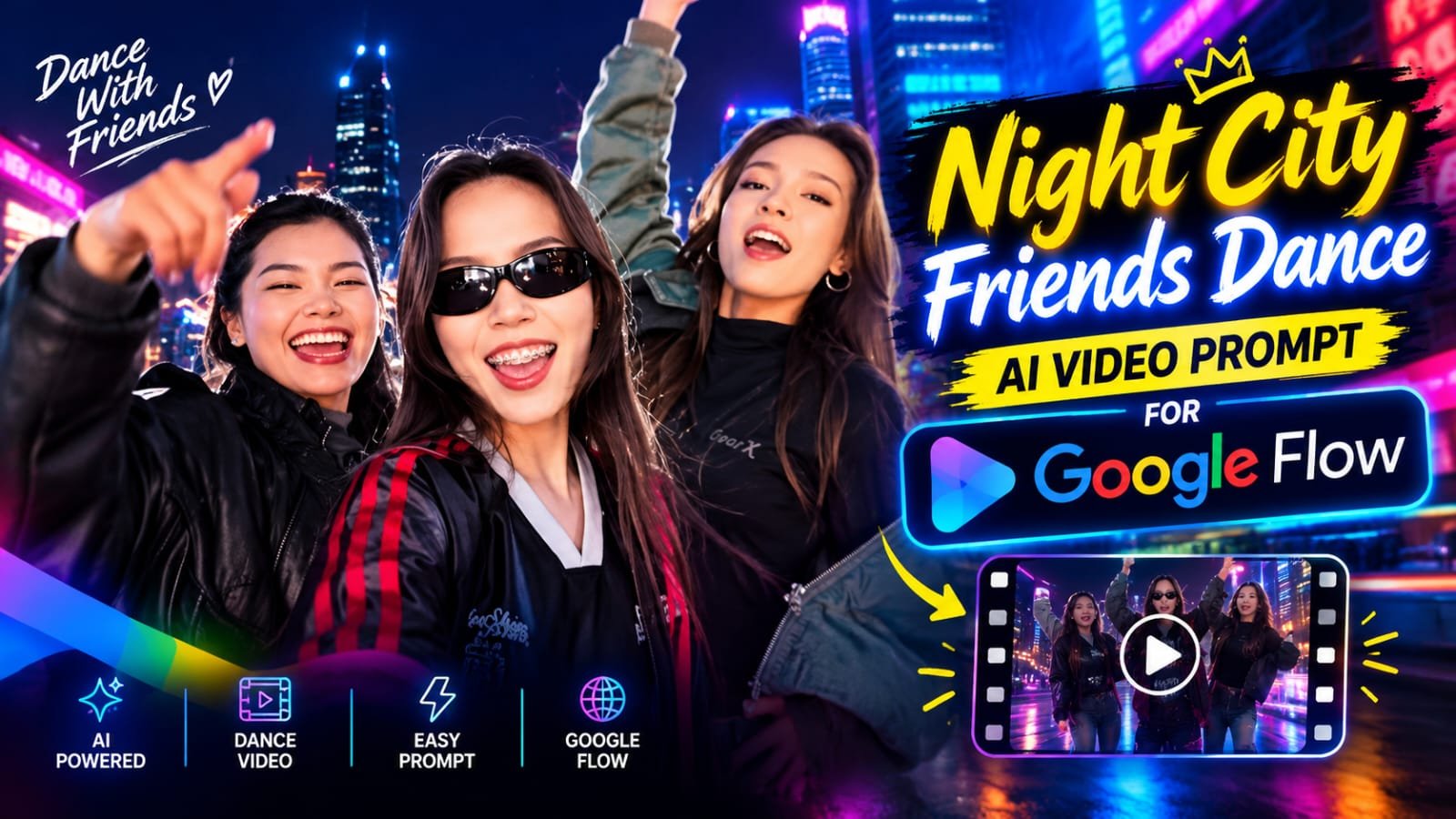
If you have been scrolling Instagram lately, you have probably seen those fun night-city selfie videos where three friends dance, make faces and lip-sync to a trending song.
The glowing city lights, the black leather jackets, the cool sunglasses and the quick cuts make the whole video look super stylish.
The best part is that you do not need a camera crew or even a night out to make one.
With Google Flow you can create the same video using just a few photos and one prompt.
In this article I will show you the exact step-by-step process to make this video in Flow AI.
What Is This Trending Video?
Ye ek 20-22 second ka selfie style reel hai.
Video front camera se shoot kiya hua lagta hai, wide angle ke saath.
Background mein raat ka city view hai, colorful lights ke saath.
Video ek group shot se start hota hai, jisme teen friends camera ki taraf haath hila rahi hain.
Phir cut hota hai aur ek girl sunglasses pehne hue funny expressions deti hai.
Uske baad dusri location pe doosri girl song pe lip-sync karti hai.
End mein teeno friends wapas ek saath dance karti hain aur camera ki taraf point karti hain.
Poora video fast cuts aur high energy se bhara hua hai.
What You Need Before You Start
- A Google account with access to Google Flow (labs.google/flow)
- 3 clear photos of the people who will appear in the video (use your own photos, or photos of friends who have said yes)
- ChatGPT or Google Gemini to make the reference images (optional but recommended)
- The prompts from this article
- CapCut or VN to join the clips and add music
Important Note Before You Make This Video
Sirf apni ya un logo ki photos use karo jinhone permission di hai.
Kisi aur ki photo se uska video banana galat hai aur platform rules ke against bhi hai.
Apni friends ke saath banao, maza bhi aayega aur account bhi safe rahega.
Video Breakdown: What Happens in Each Scene
Flow ek baar mein chhote clips banata hai (around 8 seconds), isliye hum is video ko 3 parts mein todenge.
Isse result bhi better aata hai aur control bhi zyada milta hai.
Video Prompt ⬇️
Swap the characters in the original video with the reference persons from the provided images. Replace Character 1 with the person from Image 1, Character 2 with the person from Image 2, and Character 3 with the person from Image 3.

Each character's face, body, skin tone, facial features, hair, and overall physical appearance must be an exact 1:1 match to their respective reference images - do not alter, modify, or reinterpret any physical trait. The identity of each person must be preserved with complete accuracy as shown in the reference images.

Replace the outfits of each character entirely with the clothing shown in their respective reference images. Preserve every detail of the outfit including fabric texture, color, cut, styling, accessories, and garment fit exactly as seen in the reference images. The original video's costumes must be completely replaced.

Preserve all facial expressions, body movements, gestures, poses, camera angles, lighting, and background exactly as they appear in the original video. Only the faces, physical identity, and outfits of the characters should change. Everything else motion, timing, scene composition, and environment - must remain 100% identical to the source video.

Remove all text, watermarks, logos, subtitles, and overlays present in the original video. The final output must be completely clean with no text or graphics visible anywhere in the frame.| Part | Time | What Happens |
|---|---|---|
| Clip 1 | 0-8 sec | Three friends in a group selfie, waving at the camera, night city lights behind. Then cut to the girl in sunglasses doing funny expressions |
| Clip 2 | 8-15 sec | Second girl lip-syncing near a stone wall, then third girl in front of a lit-up building, playful hand gestures |
| Clip 3 | 15-22 sec | Back to the sunglasses girl, then all three friends dance together and point at the camera |
Prompts for This Video
Neeche prompts ke blocks diye hain.
Apna working prompt paste karke use karo.
Reference Image Prompt (ChatGPT / Gemini)
Clip 1 Prompt (Group Selfie + Sunglasses Girl)
Clip 2 Prompt (Lip-Sync Scenes)
Clip 3 Prompt (Final Group Dance)
How to Make This Video in Google Flow: Step by Step
Step 1: Open Google Flow
Browser mein labs.google/flow open karo.
Apne Google account se login karo.
“New Project” pe click karo.
Step 2: Prepare Your Photos
Teeno friends ki clear front-facing photos ready rakho.
Photo mein face saaf dikhna chahiye, filter ya heavy edit nahi hona chahiye.
Sunglasses wali girl ki ek photo sunglasses ke saath bhi rakho, taaki look match ho.
Agar chaho to pehle ChatGPT ya Gemini se night city background wali reference image bana lo.
Step 3: Choose the Right Mode
Flow mein 3 main options milte hain: Text to Video, Frames to Video aur Ingredients to Video.
Is video ke liye Ingredients to Video sabse best hai, kyunki isme hum photos upload karke character same rakh sakte hain.
Agar tumhare paas ek ready reference image hai to Frames to Video bhi use kar sakte ho.
Step 4: Upload Your Ingredients
Apni photos upload karo (har character ke liye ek).
Flow un photos ko “ingredients” ki tarah use karega.
Face aur outfit same rakhne ke liye clear photos hi upload karo.
Step 5: Paste Clip 1 Prompt
Prompt box mein Clip 1 wala prompt paste karo.
Model ke liye Veo 3.1 select karo (Fast ya Quality, jo bhi tumhare plan mein available ho).
Aspect ratio 9:16 vertical rakho, kyunki ye Instagram reel hai.
Generate pe click karo.
Step 6: Check the Result
Clip aane ke baad dhyan se dekho:
- Chehra photo se match kar raha hai ya nahi
- Lights aur background natural lag rahe hain ya nahi
- Hand movement aur expressions smooth hain ya nahi
Agar kuch galat lage to prompt mein thoda change karke dobara generate karo.
Ek hi prompt se har baar alag result aata hai, isliye 2-3 baar try karna normal hai.
Step 7: Make Clip 2 and Clip 3
Same process dobara karo.
Clip 2 aur Clip 3 ke prompts alag-alag paste karo.
Characters same rakhne ke liye wahi ingredients upload rakho.
Chaho to Flow ka “Extend” option bhi use kar sakte ho, jisse pichhle clip se aage ka scene bante hain.
Step 8: Download All Clips
Har clip pe jaake download pe click karo.
Original quality select karo, upscale option mile to wo bhi try kar sakte ho.
Step 9: Join Clips in CapCut or VN
CapCut ya VN open karo.
Teeno clips ko timeline pe ek ke baad ek lagao.
Cuts ko fast rakho, 0.3 se 0.5 second ke transition ke saath.
Trending song ya audio add karo.
Beat ke hisaab se cuts adjust karo, taaki video ekdum real reel jaisa lage.
Step 10: Export and Upload
1080p, 30fps pe export karo.
Instagram pe reel upload karo.
Caption mein trending hashtags lagao.
Best AI Tools for This Video
| Tool | Best For | Free Plan | Difficulty |
|---|---|---|---|
| Google Flow | Making the actual video clips | Limited credits | Easy |
| Google Gemini | Reference image and prompt writing | Yes | Easy |
| ChatGPT | Character and background images | Yes (limited) | Easy |
| CapCut | Joining clips, music, effects | Yes | Easy |
| VN Video Editor | Clean editing, no watermark | Yes | Easy |
| Midjourney | Stylish cinematic images | No | Medium |
| Leonardo AI | Character consistency images | Limited | Medium |
Pro Tips for a Perfect Result
- Hamesha clear, well-lit, front-facing photos use karo. Blurry photo se blurry video aata hai.
- Prompt mein “handheld selfie camera, wide angle” zaroor likho, tabhi real selfie feel aata hai.
- Ek clip mein zyada se zyada 2 scenes rakho. Zyada scenes daloge to face mix ho sakta hai.
- Night scenes ke liye “neon city lights, soft glow, shallow depth of field” jaise words kaam karte hain.
- Sunglasses wale look ke liye photo mein bhi sunglasses ho to result aur accurate aata hai.
- Credits bachane ke liye pehle Fast model se test karo, phir final clip Quality model se banao.
- Music beat pe cuts lagao, isse AI video bhi real reel jaisa lagta hai.
- Last mein halka sa film grain ya vignette lagao, video aur natural lagta hai.
Common Mistakes to Avoid
- Pura 22 second ka video ek hi prompt mein banane ki koshish karna
- Low quality ya group photo se faces crop karke upload karna
- Prompt mein bahut zyada characters ya movements likh dena
- Clips ko bina check kiye directly join kar dena
- Kisi aur ki photo bina permission ke use karna
FAQs
Can I make this night city friends dance video for free in Google Flow?
Haan, Flow mein free credits milte hain jisse tum kuch clips bana sakte ho.
Is video ke liye 3 clips chahiye, isliye credits dhyan se use karo.
Agar free credits kam pad jaayein to Fast model use karo, wo kam credits leta hai.
How do I keep all three friends’ faces the same in every clip?
Ingredients to Video mode use karo aur har clip mein wahi photos upload rakho.
Prompt mein har girl ka outfit aur look same likho (jaise black leather jacket, sunglasses).
Isse faces aur outfits clip to clip match karte hain.
Why does the lip-sync not match the song exactly?
Flow clip ke andar mouth movement banata hai, par wo kisi specific song se sync nahi hota.
Isliye CapCut ya VN mein song lagao aur cuts beat pe adjust karo.
Is trick se lip-sync natural lagta hai.
Which aspect ratio is best for this selfie dance video?
9:16 vertical sabse best hai, kyunki ye Instagram Reels aur Shorts ke liye perfect hai.
How long can a single Flow clip be for this video?
Flow ke clips aam taur par around 8 seconds ke hote hain.
Isliye 22 second ke video ko 3 parts mein banana padta hai.
Phir sabko CapCut ya VN mein join kar do.
Can I change the city background to Mumbai or Delhi at night?
Bilkul, prompt mein bas location badal do, jaise “Marine Drive Mumbai at night” ya “India Gate Delhi at night”.
Baaki sab same rakho, aur tumhara video apni city ke style mein ban jayega.
Can I use only two friends instead of three?
Haan, bilkul.
Bas Clip 1 aur Clip 3 ke prompt mein “three friends” ko “two friends” kar do aur ek ingredient kam upload karo.
Final Words
Is tarah se tum bina kisi shoot ke ek stylish night-city friends dance video bana sakte ho.
Bas photos ready rakho, prompts paste karo aur Flow ko apna kaam karne do.
Agar tumhe ye article pasand aaya to apne friends ke saath share karo.
Aise hi trending AI prompts aur CapCut templates ke liye hamara Telegram channel join karo.
Rank Math SEO Settings
Focus Keyword: Google Flow AI video prompt
SEO Title: Night City Friends Dance AI Video Prompt for Google Flow
Meta Description: Make the viral night city friends dance video in Google Flow. Step-by-step tutorial with copy-paste prompts, tips, tools table and FAQs.
Slug: night-city-friends-dance-ai-video-google-flow