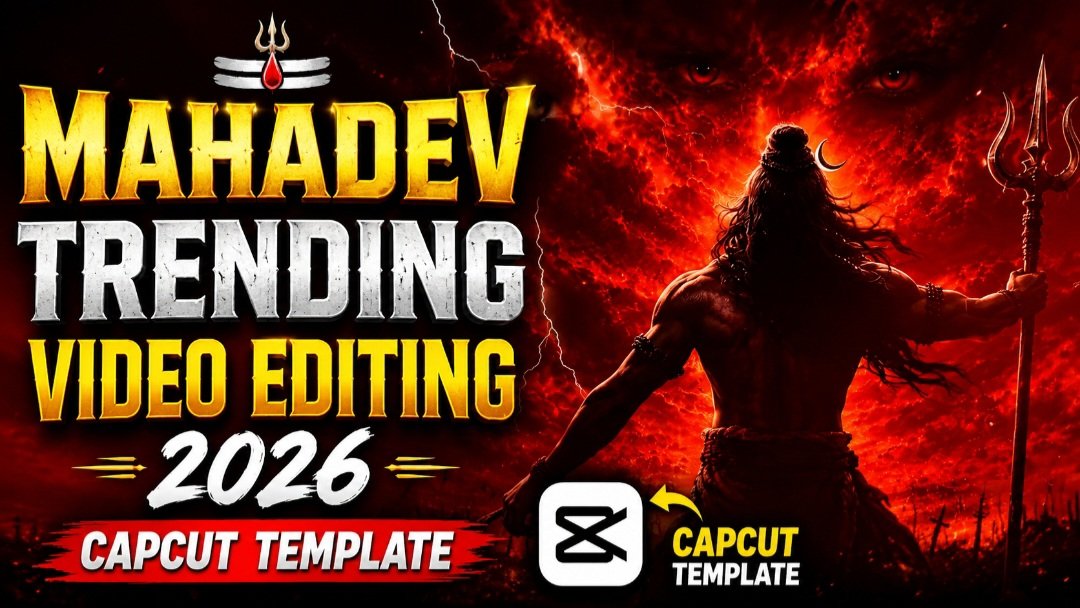
Lord Shiva’s divine energy is taking over Instagram Reels right now, and the Mahadev Trending CapCut Template is at the center of it all.
Aajkal har dusra reel Mahadev edit hi hai, aur wajah bhi samajh aati hai — ye template devotion aur cinematic editing ka perfect combo deta hai. Bas apni clips add karo, aur seconds mein tumhara video professional lagne lagta hai. Is post mein hum tumhe step-by-step batayenge ki ye template kaise use karna hai, kaunse tools best kaam karte hain, aur views badhane ke liye kya tips follow karni chahiye.
🔱 Mahadev Trend Itna Viral Kyun Ho Raha Hai?
Shravan month, Mahashivratri jaise occasions ke aas-paas Mahadev content naturally trend karta hai, lekin ab ye ek saal bhar chalne wala format ban gaya hai.
Log apni khud ki photos ko Mahadev ke divine visuals ke saath blend kar rahe hain.
Smooth transitions, devotional music, aur bhakti wale text overlays milke ek emotional connect create karte hain jo audience ko ruk kar dekhne par majboor karta hai.
Ye template especially un creators ke liye perfect hai jo apni spiritual side showcase karna chahte hain ya phir kisi festival post ke liye trending content chahte hain.
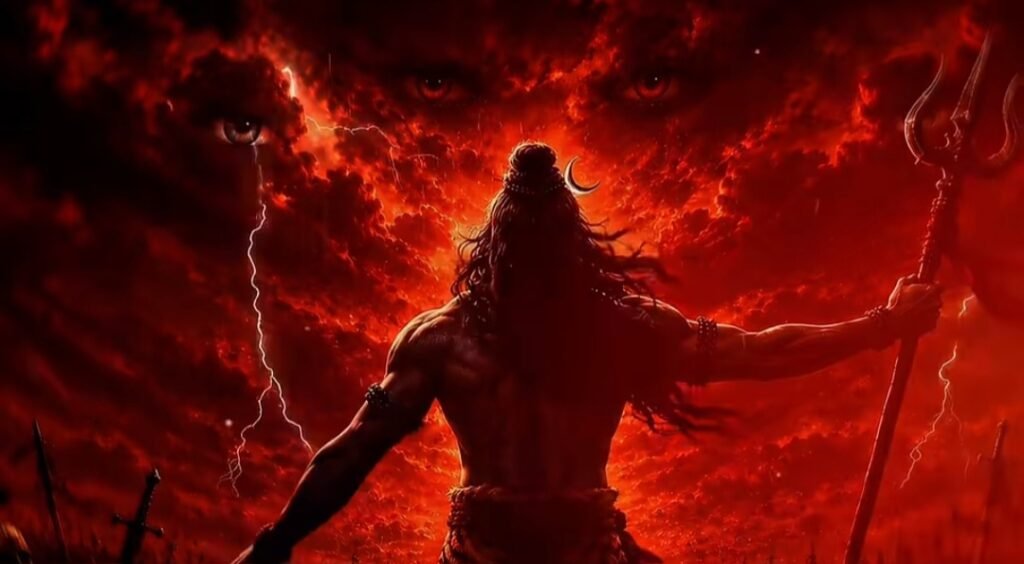
🎬 Mahadev CapCut Template Prompt
📱 Step-by-Step Guide: Mahadev CapCut Template Kaise Use Karein
- Sabse pehle apne phone mein CapCut app ka latest version install ya update karo
- Upar diya gaya template link open karo — ye direct CapCut app mein khulega
- “Use Template” par click karo aur apni 3-5 photos ya video clips select karo
- Clips ko apni pasand ke hisaab se reorder karo taaki story flow sahi lage
- Background music ko devotional track ya trending sound se replace kar sakte ho
- Text overlay mein apna naam ya koi bhakti quote add karo
- Preview dekho, zaroorat ho to colors aur speed adjust karo
- Export karte time 1080p aur 30fps select karo taaki quality best rahe
⚙️ AI Tools Comparison Table
| Tool | Best For | Devotional Content Suitability |
|---|---|---|
| CapCut | Ready-made templates, quick edits | Excellent — sabse zyada Mahadev templates yahin milte hain |
| VN App | Manual fine-tuning, custom transitions | Good — thoda zyada control milta hai |
| Google Flow | AI-generated cinematic visuals | Good — background scenes generate karne ke liye useful |
| Google Gemini | Photo-to-video prompts, image editing | Average — prompts generate karne mein helpful |
💡 Pro Tips
Apni clips ko achi lighting mein shoot karo, kyunki template ka glow effect low-light footage mein utna acha nahi aata.
Ek hi post mein bahut zyada effects mat daalo — simplicity zyada devotional feel deti hai.
Caption mein Mahadev se related koi shayari ya quote add karo, isse engagement aur bhi badh jata hai.
Shravan somwar ya Mahashivratri jaise dino par post karne se reach naturally zyada milti hai.
❓ FAQs
Q1. Kya Mahadev CapCut template free hai?
Haan, ye template CapCut app mein bilkul free available hai, koi premium subscription nahi chahiye.
Q2. Kya main apni khud ki photos use kar sakta hoon?
Bilkul, template sirf frame aur effects provide karta hai — clips tumhari apni honi chahiye.
Q3. Video kitni length ka hona chahiye?
15-30 second ka reel best perform karta hai Instagram aur YouTube Shorts dono par.
Q4. Kya ye template VN app mein bhi available hai?
Kuch creators VN app mein bhi similar effect recreate karte hain, lekin original template CapCut exclusive hai.
Aur bhi trending CapCut templates, AI prompts aur editing guides ke liye humara Telegram channel join karo — sabse pehle updates paane ke liye!