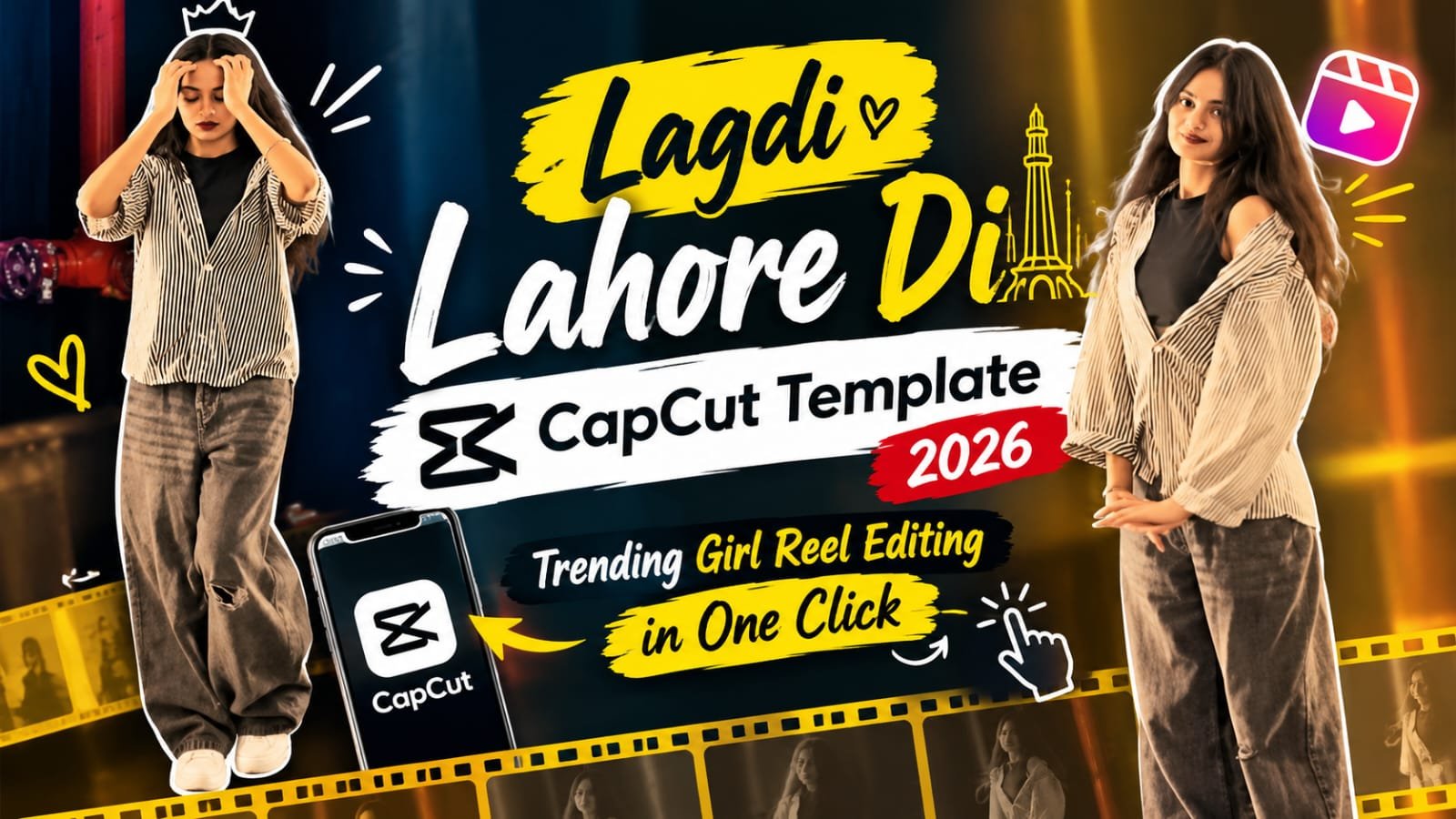
If you have been scrolling through Instagram Reels lately, you have probably seen a stylish girl video running on the Lagdi Lahore Di song with smooth transitions and perfect beat sync. That clean, professional look is not hard manual editing. It is made with a ready-made CapCut template, and you can create the same reel on your phone in just a few minutes.
To dosto, agar aapne bhi Instagram par ye trending reel dekhi hai to aapke mann mein bhi ye sawal aaya hoga ki isko banaya kaise jata hai.
Aur mai aapko bata du ki ye bilkul bhi mushkil nahi hai.
Is article mein mai aapko is Lagdi Lahore Di CapCut Template ke baare mein step by step bataunga.
Aap bas apni photo ya video select karoge aur baaki sab kaam template khud kar dega.
Is article mein aapko ye sab milega:
- Lagdi Lahore Di CapCut Template ka direct link
- Template ko use karne ka easy step by step process
- Reel ko aur zyada professional banane ke best tips
- Is template se jude sabhi common sawalon ke jawab
What Is the Lagdi Lahore Di CapCut Template?
Ye ek pehle se edit kiya hua CapCut template hai jisme Lagdi Lahore Di song already laga hua hai.
Isme beat ke hisab se transitions, effects aur photo timing pehle se set ki hui hai.
Aapko manually kuch bhi add nahi karna padta.
Bas apni clips daalo aur template ek hi click mein poori editing kar deta hai.
Ye template khaas taur par girls ke photo aur video reels ke liye bahut achha lagta hai.
Song ki vibe energetic aur stylish hai, isliye reel dekhne mein bahut attractive lagti hai.
Yahi wajah hai ki Instagram par is song ke saath ye template tezi se trend kar raha hai.
Lagdi Lahore Di CapCut Template Link
Neeche diye gaye button par click karke aap seedha template CapCut app mein khol sakte ho.
Agar aapko song ka original reel audio chahiye to wo bhi neeche diya gaya hai.
Dhyan rakhein ki template ka link kholne ke liye aapke phone mein CapCut app installed aur updated honi chahiye.
Why Is This Template So Popular?
Is template ke trend karne ke kuch bade reasons hai:
- Song bahut catchy hai aur Instagram par already bahut sunne ko milta hai
- Transitions smooth hai aur beat ke saath perfectly sync hote hai
- Sirf kuch photos ya clips se hi reel ready ho jati hai
- Beginners ke liye bhi bahut easy hai, kisi editing skill ki zarurat nahi
- Final video bilkul professional aur cinematic dikhta hai
Pehle aise reel banane ke liye aapko kaafi time aur mehnat lagti thi.
Ab wahi kaam template ki madad se kuch minute mein ho jata hai.
Manual Editing vs CapCut Template
| Point | Manual Editing | CapCut Template |
|---|---|---|
| Time Required | 1 to 2 hours | 2 to 5 minutes |
| Skill Needed | Medium to High | None |
| Beat Sync | Manually set karna padta hai | Already set hota hai |
| Effects and Transitions | Ek ek karke add karne padte hai | Already added hote hai |
| Best For | Advanced editors | Beginners and fast creators |
How to Use the Lagdi Lahore Di CapCut Template
Neeche diye gaye steps ko follow karo aur aap bhi easily ye reel bana sakte ho.
- Sabse pehle upar diye gaye Use This Template button par click karo.
- CapCut app automatically khul jayegi aur template ka preview dikhega.
- Neeche Use Template button par tap karo.
- Ab apni Gallery se girl ki photos ya video clips select karo.
- Dhyan rahe ki photos clear aur high quality ki ho, isse result bahut achha aata hai.
- Clips select karne ke baad Next par click karo.
- Template apply hona start ho jayega, bas thoda sa wait karo.
- Preview mein video chala kar check karo ki sab sahi lag raha hai ya nahi.
- Agar edit achha laga to upar Export par click karo aur video Gallery mein save kar lo.
- Ab is video ko Instagram par Reel ke roop mein upload kar do.
Agar aapko CapCut ke andar se template dhundna hai to app kholo, neeche Template option par jao aur search box mein Lagdi Lahore Di likh kar search karo.
Best Tips to Make This Reel Look Professional
Sirf template use karne se hi reel viral nahi hoti.
Thodi si smart planning se aap apni reel ko aur bhi behtar bana sakte ho.
- Always HD photos use karo, blurry ya low quality photos reel ko dull bana deti hai
- Aisi photos choose karo jinme face clearly dikhe aur lighting achhi ho
- Different poses aur angles wali photos select karo taaki transitions mein variety dikhe
- Template ka original song change mat karo, kyunki poori editing usi beat par set hai
- Zyada extra effects ya text add mat karo, template mein pehle se hi kaafi kuch hai
- Reel upload karte time topic se related caption aur hashtags lagao
- Reel ko evening ke time post karo jab Instagram par zyada log active hote hai
Which Photos Work Best With This Template?
Is template mein sabse achhe results in photos ke saath aate hai:
- Simple background wali clear portrait photos
- Traditional ya western, dono type ke outfit wali photos
- Natural light mein khinchi hui photos
- Waist up aur half body shots
- Photos jinme face kisi cheez se covered na ho
Agar aapki photos mein background bahut crowded hai to transition ka effect utna achha nahi dikhta.
Common Mistakes to Avoid
- Low resolution photos select karna
- Bahut kam ya zyada photos daalna jo template ke slots se match na kare
- Template mein pehle se laga hua music hata dena
- Template ko bina update kiye CapCut ke purane version mein kholna
- Export karne se pehle preview check na karna
Lagdi Lahore Di CapCut Template – FAQs
Is Lagdi Lahore Di CapCut template free hai?
Haan, ye template CapCut app mein free use kiya ja sakta hai.
Aapko bas link se template open karna hai aur apni photos add karni hai.
Template mein kitni photos ya clips daalni padti hai?
Ye template ke design par depend karta hai.
Template open karne ke baad CapCut aapko batata hai ki kitni clips select karni hai.
Aam taur par iske liye kuch hi photos kaafi hoti hai.
Kya is template mein boys bhi apni photos use kar sakte hai?
Haan bilkul, template kisi ko bhi restrict nahi karta.
Ye girls ke style reels mein sabse zyada trend kar raha hai, lekin aap apni kisi bhi photo ke saath use kar sakte ho.
Template open karne par CapCut mein error aa raha hai, kya karein?
Sabse pehle CapCut app ko Play Store ya App Store se update karo.
Uske baad template link ko dobara open karo.
Agar phir bhi problem aaye to apna internet check karo aur app ko ek baar restart karo.
Kya Lagdi Lahore Di ka song template mein change kar sakte hai?
Nahi, aisa karne ki salah nahi di jati.
Poori editing aur transitions is song ki beat ke hisab se set hai.
Song badalne par sync bigad jata hai aur reel achhi nahi lagti.
Kya export hone ke baad video par watermark aata hai?
Kai baar CapCut template ke export mein CapCut ka end watermark ya logo aa sakta hai.
Aap chaho to export karte time No Watermark ka option check kar sakte ho, ya video ko trim karke use hata sakte ho.
Is template se bani reel viral hogi ya nahi?
Template sirf aapki editing ko fast aur attractive banata hai.
Viral hona aapki photo quality, caption, posting time aur audience ke interest par depend karta hai.
Isliye isse viral hone ki guarantee ki tarah nahi, ek achhe tool ki tarah use karo.
Final Words
To dosto, Lagdi Lahore Di CapCut Template un sabhi creators ke liye bahut kaam ka hai jo kam time mein achhi aur trending reel banana chahte hai.
Aapko bas template open karna hai, apni best photos select karni hai aur export kar dena hai.
Bas ek baar video ka preview zaroor check kar lena.
Aur yaad rakhein, template sirf editing aasan banata hai.
Photos ki quality aur aapki creativity hi reel ko alag banati hai.
Isliye trending template ke saath apna khud ka style bhi add karo.
Aise hi trending CapCut templates, VN codes aur AI prompts ke liye meraprompt.com ko daily visit karte rahein.
Aur latest viral prompts aur templates sabse pehle paane ke liye hamare Telegram channel ko abhi join karein.