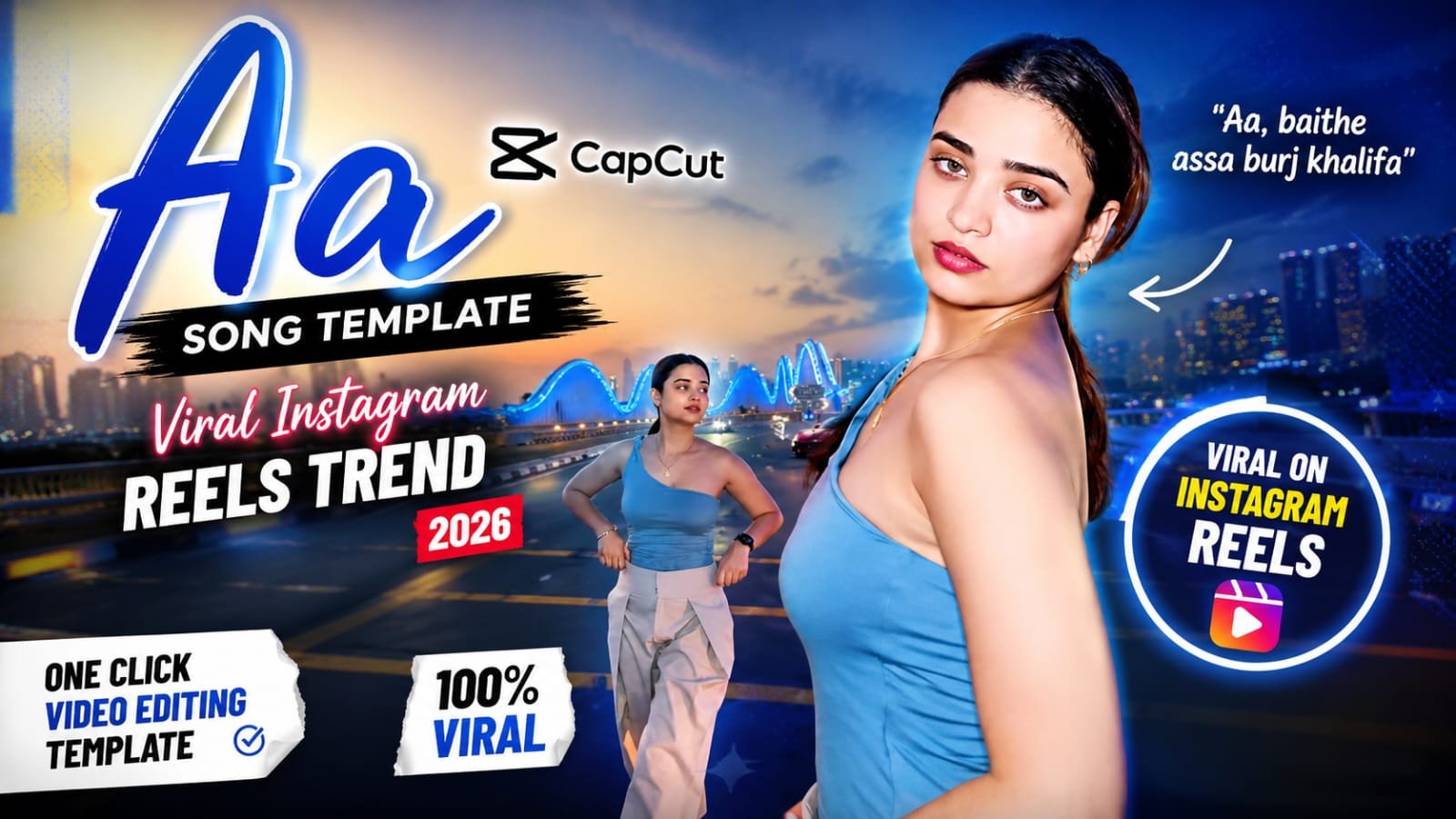
Right now Instagram par ek naya intro-style reel trend chal raha hai jisme “Aa” song ke saath ek stylish reveal template use ho raha hai. Millions of reels is trend par ban chuke hain aur views bhi crazy mil rahe hain. Is article me hum aapko is exact CapCut template ka link denge aur step by step batayenge ki aap kaise apni khud ki “Aa” song reel bana sakte ho — chahe aap solo ho, couple ho, ya friends ke saath.
🎵 “Aa” Song CapCut Template Kya Hai
Ye ek intro-reveal style template hai.
Video ki shuruaat me ek dramatic buildup hota hai — text, blur ya loading effect ke saath.
Beat drop hote hi aapki photo ya clip ek smooth transition ke saath reveal hoti hai.
Yehi cinematic reveal is trend ko itna viral bana raha hai.
Ye template solo portraits, couple photos, aur group/friends clips — teeno ke liye kaam karta hai.
📲 CapCut Template Link
Neeche diya gaya template direct CapCut app me open ho jayega.
Link par tap karte hi “Use template” par click karein.
Apni photos ya video clips upload karein jitni template me slots hain.
Preview dekh kar clips ka order adjust kar sakte ho.
🛠️ Step-by-Step: Apni “Aa” Song Reel Kaise Banayein
- Sabse pehle upar diya gaya CapCut template link open karein.
- “Use template” button par click karein.
- Apni 3-5 best photos ya short clips select karein — high quality aur achhi lighting wali photos best result deti hain.
- Har clip ko slot ke duration ke hisaab se trim karein taaki beat drop exactly sync ho.
- Text overlay hai toh apna naam ya caption edit kar lein.
- Preview zaroor dekhein — timing thodi bhi off ho toh manually adjust karein.
- Export karein 1080p ya usse zyada resolution me, taaki Instagram par quality maintain rahe.
- Reel upload karte time original “Aa” song audio hi use karein — isse reach aur zyada milta hai.
💡 Pro Tips Better Result Ke Liye
- Solo reel ke liye ek hi outfit/background theme rakhein taaki reveal aur bhi punchy lage.
- Couple ya group reel me sabki photos same lighting/vibe ki chunein — mismatch clips transition ko off kar dete hain.
- Beat drop se exactly 2-3 frame pehle clip switch karein, thoda late hone se effect weak lagta hai.
- Caption me trending hashtags ke saath apna niche hashtag bhi add karein, discoverability badhti hai.
- Cover photo aesthetic rakhein — profile grid par accha lagta hai toh saves aur badhte hain.
🤖 AI Tools Se Photos Kaise Ready Karein
Agar aapke paas reveal ke liye ek stunning “hero” photo nahi hai, toh AI tools se bhi bana sakte ho.
| Tool | Best For | Free Option |
|---|---|---|
| ChatGPT (Image) | Stylized portrait prompts, aesthetic edits | Limited free |
| Google Gemini | Fast portrait-to-art conversion | Free tier |
| Google Flow | Photo se short animated clip banana | Free tier |
| Leonardo AI | High-detail cinematic portraits | Free credits |
| Midjourney | Premium artistic looks | Paid |
| CapCut | Final video editing aur template apply karna | Free |
| VN | Alternative editing app, manual sync ke liye | Free |
❓ “Aa” Song CapCut Template FAQs
Q1. “Aa” song CapCut template ka link kaha se milega?
Is article me upar diya gaya template link direct CapCut app me template open kar dega, wahan se “Use template” karke shuru kar sakte ho.
Q2. Ye template solo aur couple dono ke liye use ho sakta hai?
Haan, ye template flexible hai — solo portrait, couple photos, ya friends group clips, teeno formats me achha result deta hai.
Q3. Kitni photos ya clips chahiye is template ke liye?
Zyadatar versions me 3 se 5 slots hote hain, exact number template preview me dikh jayega jab aap link open karoge.
Q4. Original “Aa” song audio use karna zaroori hai kya?
Haan, original trending audio use karne se reel ki reach aur explore page par aane ke chances zyada hote hain.
Q5. CapCut premium chahiye is template ke liye?
Nahi, ye template free version me bhi kaam karta hai, kuch premium effects ke liye watermark-free export ke liye CapCut Pro helpful ho sakta hai.
Q6. Beat sync sahi nahi ho raha, kya karein?
Har clip ko manually trim karke waveform ke peaks dekhein, beat drop se thoda pehle transition point rakhein taaki timing perfect lage.
Q7. Ye trend kitne din tak viral rahega?
Instagram trends generally 2-4 weeks tak peak par rehte hain, isliye jitni jaldi ho sake apni reel bana kar post kar dein.
📢 Aur trending CapCut templates aur AI prompts ke liye hamara Telegram channel join karein — daily updates seedha aapke phone par!