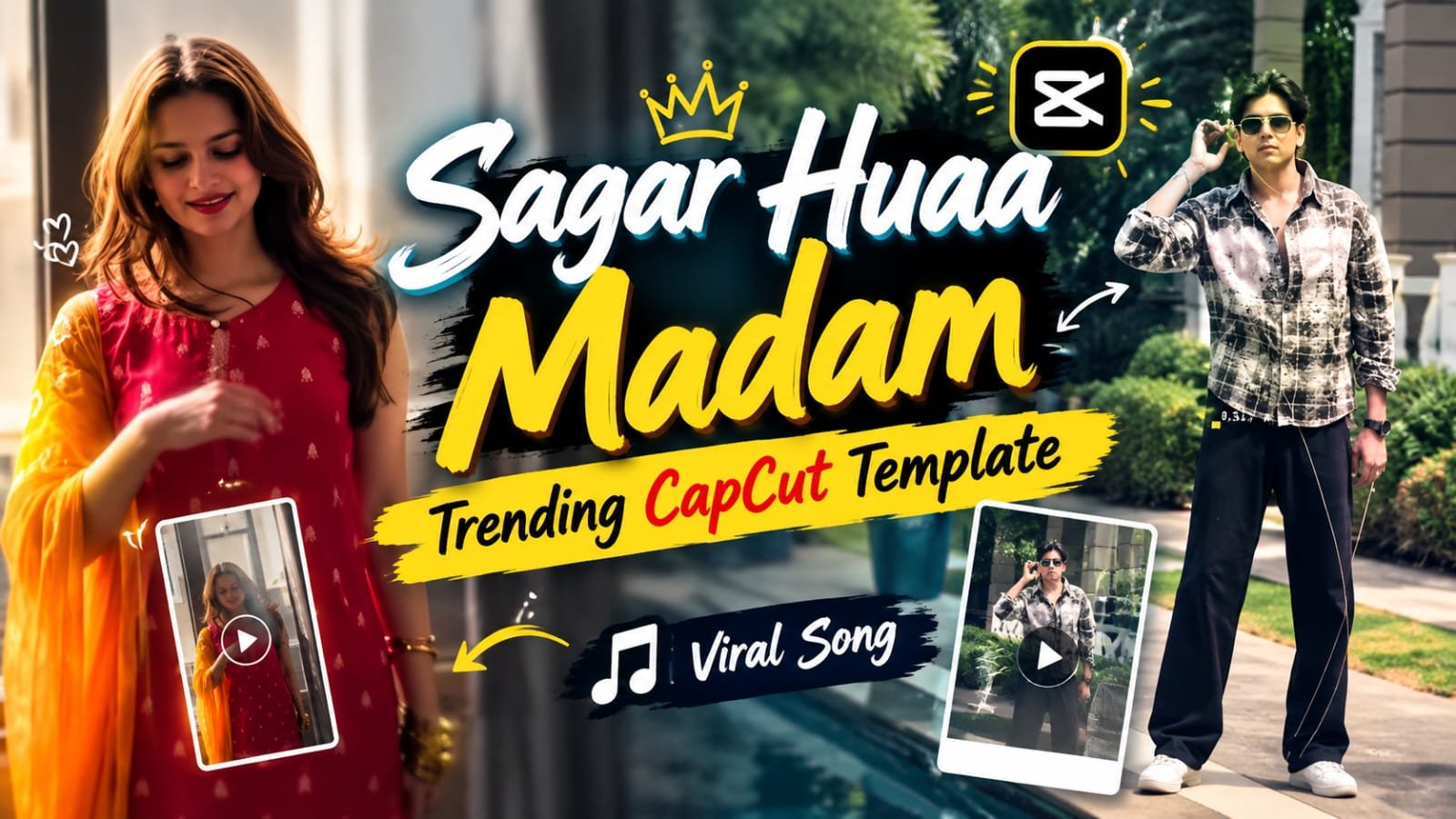
A new CapCut template using the song “Tere Hi Rang Se — Sagar Huaa Madam (Holi Special)” is going viral on Instagram Reels. Iska concept simple hai — video ek random, normal clip se start hota hai aur phir achanak ek nice, colorful, slow-motion transition me cut ho jaata hai. Ye template boys aur girls dono ke liye kaam karta hai, solo ho ya group. Yaha par step-by-step dekhte hai ki ye template kaise banaye.
🎬 Template Ka Concept Kya Hai
Video ki shuruaat ek random line/clip se hoti hai — kuch bhi normal jaisa walking, sitting, ya casual moment.
Uske baad song ke drop par suddenly ek colorful, vibrant transition aata hai jo slow motion me shoot/edit kiya jaata hai.
Ye contrast — pehle plain, phir achanak colorful — hi is template ko itna eye-catching banata hai.
Slow motion transition ko cinematic aur premium feel deta hai.
📝 CapCut Editing Steps
- Sabse pehle apna raw clips CapCut me import karo — ek normal/random opening clip aur ek colorful transition clip.
- “Tere Hi Rang Se (Sagar Huaa Madam)” audio add karo aur beat drop identify karo.
- Beat drop ke exact point par dono clips ke beech transition lagao — “Flash”, “Zoom” ya “Glitch” transition abhi trending hai.
- Colorful transition clip ko 0.3x ya 0.5x speed par slow motion me convert karo.
- Color grading me saturation aur vibrance thoda badhao taaki colors aur bright dikhe.
- Agar chahiye to simple text overlay add karo song lyrics ya apna caption ke saath.
- Export karte time 1080p aur 30/60fps select karo best quality ke liye.
CapCut Template
Boys Aur Girls Dono Ke Liye Variations
Girls ke liye: Flowy outfit ya dupatta best dikhta hai kyuki wo colorful transition ke motion ko aur enhance karta hai.
Boys ke liye: Simple plain outfit (white ya light color) best choice hai taaki transition ke colors zyada visible ho.
Couple/Group ke liye: Dono ek saath center frame me ho, transition simultaneously dono par trigger ho — isse impact aur zyada lagta hai.
🛠️ AI Tools Comparison for This Trend
| Tool | Best For | Notes |
|---|---|---|
| CapCut | Video editing, transitions, slow motion | Sabse popular, free templates available |
| VN Editor | Alternative transitions, speed ramping | Lightweight, mobile-friendly |
| ChatGPT | AI photo prompt generation | Static thumbnail/poster ke liye |
| Google Flow | AI video animation | Photo ko video me animate karne ke liye |
| Midjourney | High-quality aesthetic images | Thumbnail/poster style content |
💡 Pro Tips
- Transition ke exact beat drop timing ko 2-3 baar preview karke fine-tune karo.
- Camera stable rakho ya gimbal use karo taaki slow motion smooth aaye.
- Colorful clip me achhi lighting (natural ya golden hour) use karo taaki colors pop kare.
- Multiple angles shoot karo taaki editing ke time options rahe.
❓ FAQs
Q1. Sagar Huaa Madam CapCut template ka full song name kya hai?
Is template ka audio “Tere Hi Rang Se — Sagar Huaa Madam (Holi Special)” hai.
Q2. Ye template sirf couples ke liye hai ya solo bhi kar sakte hai?
Ye template solo, couple, aur group — teeno format me equally achha kaam karta hai.
Q3. Slow motion transition ke liye best CapCut speed kya honi chahiye?
0.3x se 0.5x speed range sabse cinematic aur smooth result deta hai.
Q4. Beat drop transition ke liye kaunsa CapCut effect best hai?
“Flash”, “Zoom” aur “Glitch” transitions is template ke saath sabse trending aur effective hai.
Q5. Ye template kis phone ya app requirement ke saath kaam karta hai?
CapCut mobile app (Android/iOS) par ye easily ban jaata hai, koi special device requirement nahi hai.
Q6. Kya is template ke liye colorful props ya effects zaroori hai?
Zaroori nahi hai — colorful clothing, lighting, ya even color powder jaisa koi bhi visual element transition ko impactful bana sakta hai.
📲 Aur trending CapCut templates aur AI prompts ke liye humara Telegram channel join karo — daily updates milte rahenge!