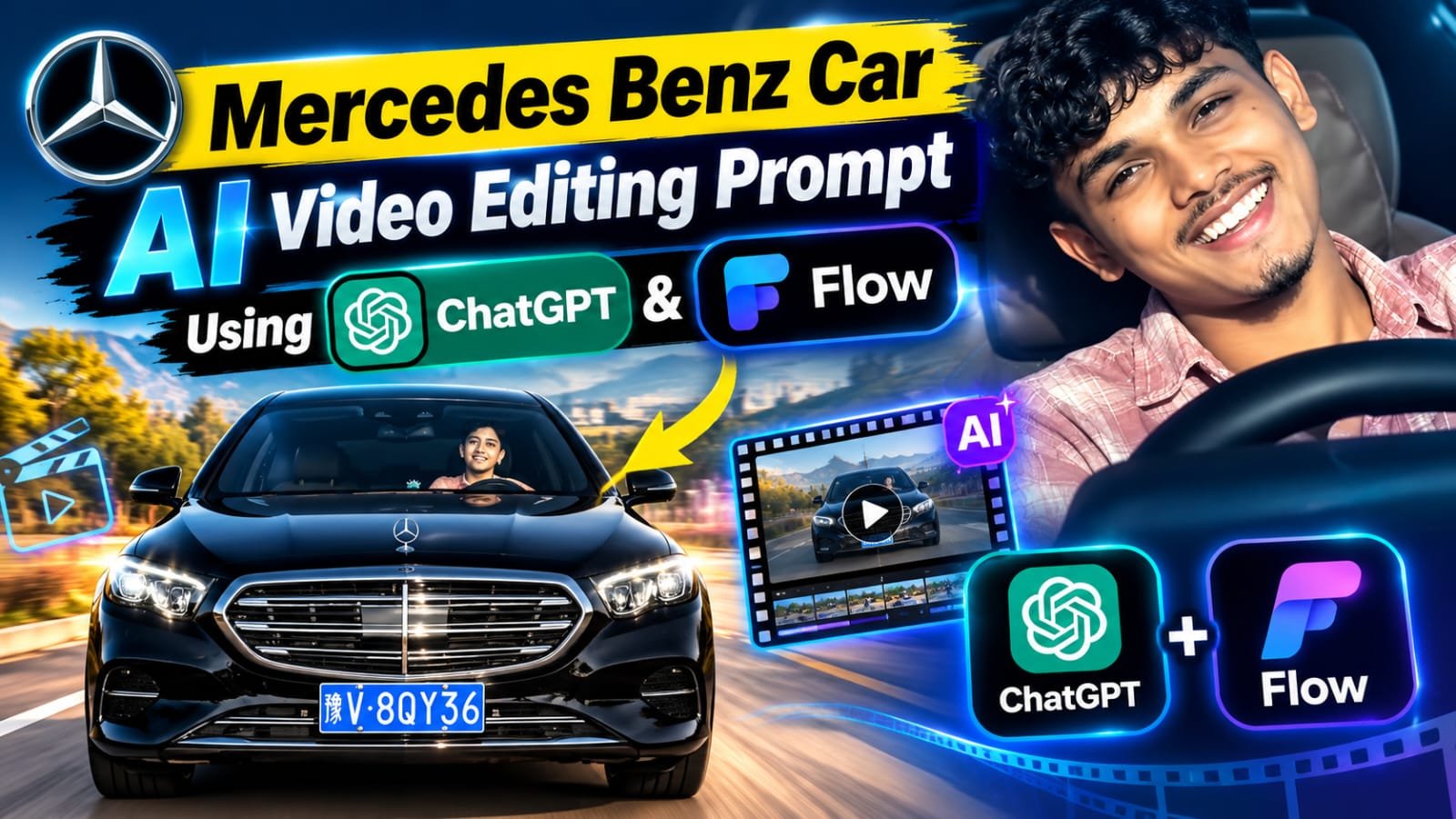
Want to create a luxury Mercedes Benz car video that looks like a real showroom advertisement? With the right AI video prompt, ChatGPT and Google Flow, you can turn a single car image into a cinematic video with slow camera movement, glossy reflections and a premium look. In this guide, you will get the copy-paste prompts, the step-by-step process and some pro tips to make your Mercedes AI video look perfect.
🚘 Mercedes Benz Car AI Video Kya Hai?
Mercedes Benz Car AI Video ek cinematic video hota hai jisme luxury Mercedes car ko stylish stand ya showroom display mein dikhaya jata hai.
Isme slow camera movement, realistic reflections aur premium lighting hoti hai.
Pehle ChatGPT se ek perfect Mercedes car image banate hai.
Phir us image ko Google Flow mein upload karke ek short video bana lete hai.
Ye video Instagram Reels, YouTube Shorts aur car edit pages ke liye ekdum best hai.
Aur sabse achi baat, isme koi complicated editing ya animation skill ki zarurat nahi hai.
Step 1: ChatGPT Image Prompt For Mercedes Car
Sabse pehle ChatGPT mein ye prompt paste karo aur apni Mercedes car ki image generate karo.
Agar aapke paas apni car ki photo hai, to ChatGPT mein upload karke same prompt use kar sakte ho.
Isse car ka design aur color almost same rahega.
Create an

ultra-realistic cinematic video of the

same young man sitting naturally in the driver's seat of a black luxury Mercedes car. Keep his face exactly consistent with the reference photo, including facial features, hairstyle, skin tone and light beard. He looks naturally toward the side, smiles slightly, then looks forward while keeping one hand naturally on the steering wheel. Realistic human movement, natural blinking, subtle head movement and breathing. Show authentic car interior, steering wheel and dashboard. Camera slowly moves from a close front windshield view toward a slightly closer side angle. Realistic windshield reflections and tinted glass, natural daylight, accurate shadows, realistic skin texture, shallow depth of field, cinematic color grading, 4K, highly photorealistic, no face distortion, no extra fingers, no warped hands, no artificial-looking face.""Match the reference video's camera movement, framing, lighting, pacing and natural facial expressions. Make

it look like a real camera-recorded video, not Al-generatedStep 2: Google Flow Video Prompt
Image ready hone ke baad ye prompt Google Flow mein use karo.
Ye prompt car ko realistic rakhta hai aur smooth cinematic camera movement add karta hai.
🛠️ AI Tools Comparison For Mercedes Car Video
| AI Tool | Best Use | Mercedes Video Workflow Mein Role |
|---|---|---|
| ChatGPT | Image generation and prompt writing | Mercedes car ki base image banane ke liye |
| Google Gemini | Image and video prompts | Prompt improve karne aur video ideas ke liye |
| Google Flow | AI video generation | Car image ko cinematic video mein badalne ke liye |
| CapCut | Video editing | Music, speed ramp aur final edit ke liye |
| VN | Mobile video editing | Simple cuts, color grading aur transitions ke liye |
| Midjourney | Cinematic image creation | Premium car reference image banane ke liye |
| Leonardo AI | Image creation | Alternate car image style try karne ke liye |
Is article mein hum ChatGPT aur Google Flow ka combo use kar rahe hai kyunki ye beginners ke liye sabse easy hai.
📋 How To Create Mercedes Car AI Video Using ChatGPT and Google Flow
Neeche diye gaye steps ko ek ek karke follow karo:
- Sabse pehle ChatGPT open karo aur login karo.
- Upar diya gaya Mercedes image prompt paste karo.
- Agar aapke paas apni Mercedes car ki photo hai, to use bhi upload kar do.
- Image generate hone ka wait karo.
- Image achi na lage to prompt mein color ya angle change karke dobara generate karo.
- Final image ko phone ya laptop mein download kar lo.
- Ab Google Flow (flow.google.com) open karo aur apne Google account se sign in karo.
- New project start karo aur image to video ya frames to video option select karo.
- ChatGPT se banayi hui Mercedes image upload karo.
- Upar diya gaya Flow video prompt copy karke paste karo.
- Aspect ratio 9:16 select karo, agar Reels ya Shorts ke liye bana rahe ho.
- Generate button pe click karo aur video ready hone ka wait karo.
- Video preview karke car ka logo, wheels aur reflections check karo.
- Sab sahi lage to video download karo.
- Chaho to CapCut ya VN mein music aur text add karke final reel ready kar lo.
🚗 Perfect Mercedes Reference Image Kaise Choose Kare
Final video ki quality bahut had tak reference image pe depend karti hai.
Ek clear aur high quality image use karo jisme puri car dikh rahi ho.
Front three quarter angle ya side angle wali image cinematic camera movement ke liye best rehti hai.
Blurry, bahut dark ya half cut car wali image avoid karo.
Mercedes ka star logo aur grille image mein clearly dikhna chahiye.
Isse Flow ko car ki details samajhne mein help milti hai.
✨ Premium Car Advertisement Look Kaise Laye
Video ko professional dikhane ke liye luxury car ad wala style follow karo.
Slow aur smooth camera movement use karo, jaldi jaldi ya jerky movement nahi.
Clean showroom ya dark studio background choose karo.
Soft spotlight aur glossy floor reflection car ko premium look dete hai.
Black, white ya silver Mercedes is style mein sabse zyada acchi lagti hai.
💡 Pro Tips For Better Mercedes AI Video
- Prompt mein clearly likho ki car ka model, color, wheels aur headlights change nahi hone chahiye.
- Agar Flow car ka design change kar de, to camera movement simple rakho.
- Ek video mein bahut zyada actions mat dalo, short aur clean video zyada realistic lagta hai.
- 2 se 3 versions generate karo aur best wala select karo.
- Video mein Mercedes ka logo distort ho raha ho to prompt mein “sharp accurate star logo” add kar do.
- Final edit ke liye trending car edit music ya bass drop CapCut mein lagao.
- Post karne se pehle video ko ek baar full screen mein zaroor check karo.
❓ FAQs About Mercedes Car AI Video
Mercedes car AI video kaise banaye?
Pehle ChatGPT se Mercedes car ki image banao, phir us image ko Google Flow mein upload karke video prompt paste karo aur generate pe click karo.
Kya main apni khud ki Mercedes car ki photo use kar sakta hu?
Haan, bilkul.
Apni car ki clear photo upload karke use reference image ki tarah use kar sakte ho.
Mercedes ka logo AI video mein kharab kyu dikhta hai?
AI kabhi kabhi chote logos ko sahi se generate nahi kar pata.
Isliye high quality reference image use karo aur prompt mein accurate star logo ka mention karo.
Mercedes car video ke liye kaunsa angle sabse best hai?
Front three quarter angle sabse best rehta hai.
Isme car ka front aur side dono dikhte hai aur camera movement bhi smooth aata hai.
Kaunsi Mercedes car AI video ke liye best lagti hai?
G Wagon, S Class, AMG GT aur Maybach jaise models AI video mein bahut premium dikhte hai.
Black ya white color zyada cinematic lagta hai.
Car ke wheels AI video mein ajeeb kyu ghumte hai?
Kabhi kabhi Flow wheel rotation ko galat generate kar deta hai.
Prompt mein slow and natural wheel movement likho ya camera movement simple rakho.
Kya ye video Instagram Reels ke liye ready hoga?
Haan, 9:16 aspect ratio select karoge to video seedha Reels aur Shorts ke liye ready hoga.
Chaho to CapCut mein music aur text add kar sakte ho.
Video mein car ka color ya design change ho jaye to kya kare?
Prompt mein clearly likho ki car ka color, wheels aur body design same rehna chahiye.
Phir dobara generate karo.
🚀 Final Words
Mercedes Benz Car AI Video banana ab bahut easy ho gaya hai.
Bas ek achi car image, ye prompts aur ChatGPT ke saath Google Flow ka use karo.
Video generate karne ke baad logo, wheels aur reflections ek baar zaroor check karo.
Alag alag camera angles aur backgrounds try karo taaki aapki video sabse unique lage.
Agar ye article helpful laga, to apne friends aur car edit lovers ke saath share karo.
Aise hi latest AI prompts, CapCut templates aur trending video ideas ke liye hamare Telegram channel ko join karo.
👉 [Join MeraPrompt Telegram Channel]