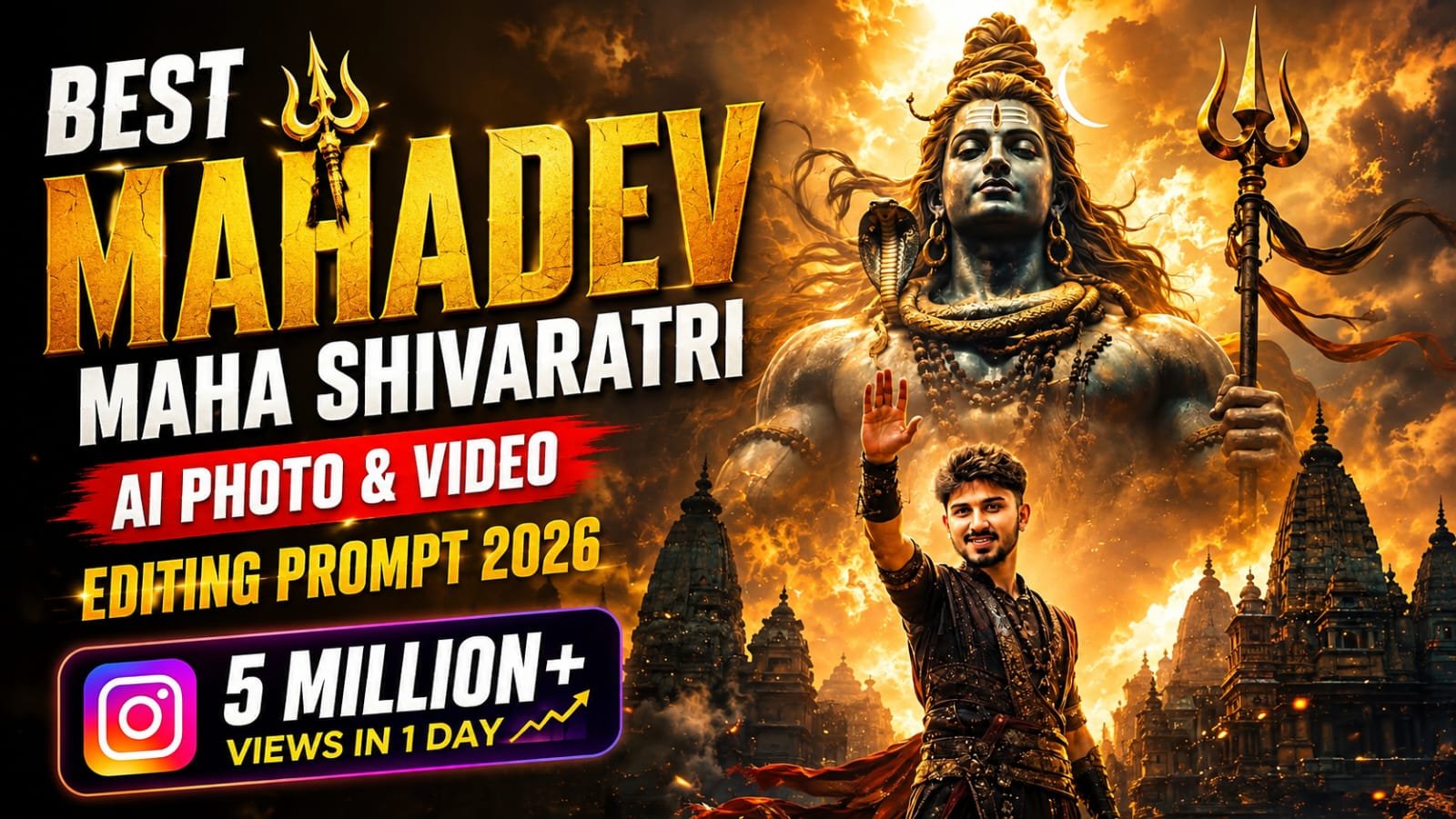
Do you want to create a divine photo where Lord Shiva himself is blessing you like a true devotee, using an AI editing prompt that actually looks realistic and not fake.
Aajkal Instagram aur WhatsApp status pe Mahadev ke blessing wale photo bahut trend kar rahe hai. Har koi apni photo mein Bholenath ka aashirwad dikhana chahta hai. Lekin problem ye hai ki sahi prompt na hone ki wajah se photo blurry ya unnatural aa jata hai. Is post mein hum aapko wahi secret prompts denge jo Lord Shiva blessing devotees ka ekdum cinematic aur divine look create karte hai. Sirf photo hi nahi, video editing ke liye bhi trending prompts yahan available hai.
🙏 Lord Shiva Blessing His Devotees Ka Trend Kyu Bada Raha Hai
Bhakti aur AI technology ab ek saath chal rahe hai. Log apni face ko Mahadev ke charno mein ya unke aashirwad ke niche dikhana chahte hai. Ye trend especially Sawan, Mahashivratri aur weekend devotional posts ke time bahut viral hota hai. Ek achi devotional photo aapke profile ko alag pehchan deti hai. Isliye ye Lord Shiva blessing ai photo editing prompt itna demand mein hai.
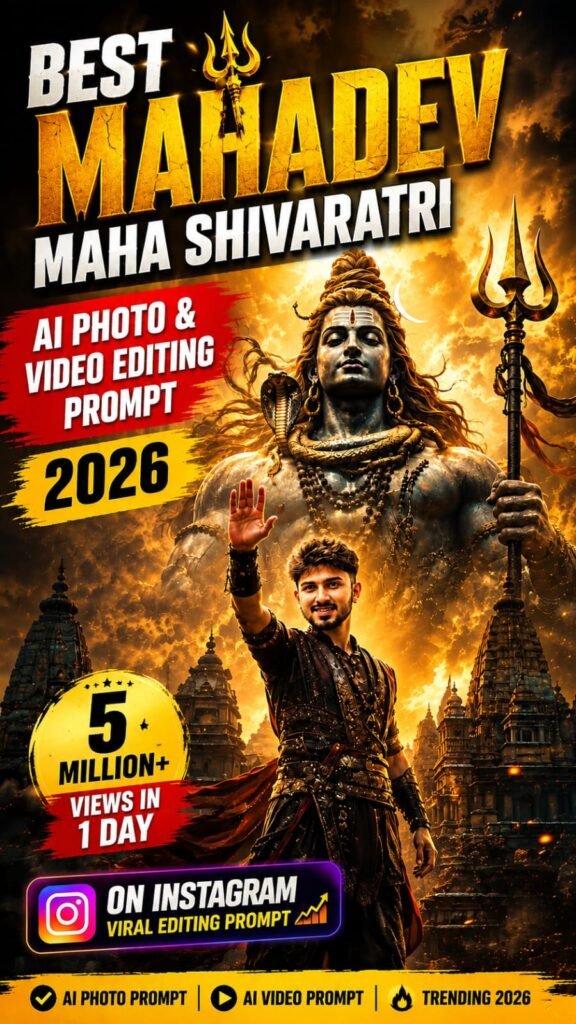
🔱 Lord Shiva Blessing Devotees AI Photo Editing Prompts
Neeche diye gaye prompts ko copy karke ChatGPT ya Gemini mein paste kar sakte hai. Apni photo upload karke inhe use karna bilkul asaan hai.
🎬 Lord Shiva Blessing Devotees AI Video Editing Prompt
Photo ke sath sath ab video prompts bhi bahut demand mein hai. Reels ke liye ye prompt use karke apni photo ko ek short cinematic blessing video mein convert kar sakte hai.
Ye video prompt Google Flow ya kisi bhi AI video generator mein use kiya ja sakta hai. Result mein smooth camera movement aur divine glow effect milega.
Photo Prompt
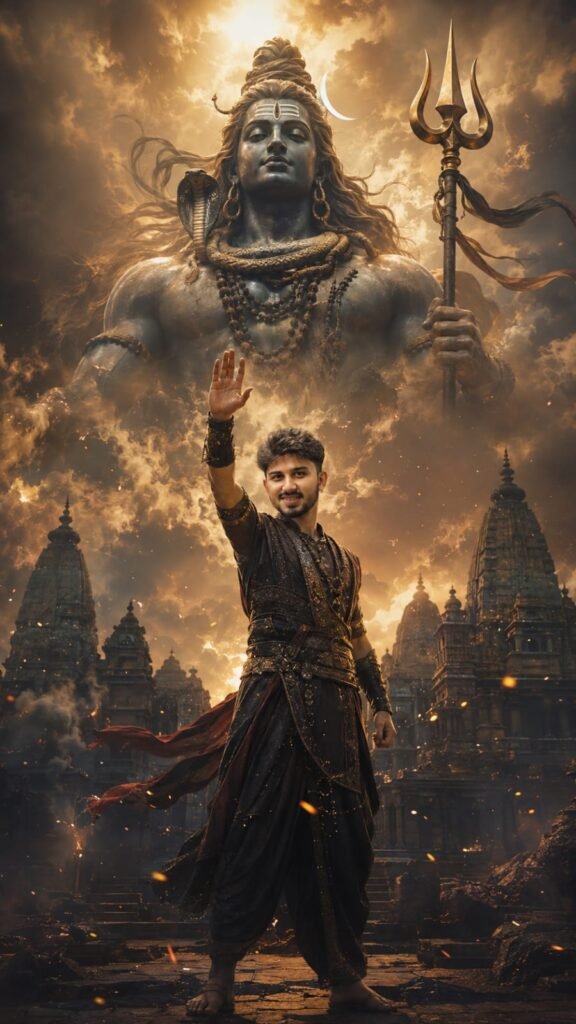
Use the uploaded photo as the identity reference. Preserve the exact face, hairstyle, skin tone, age, and gender. Create a cinematic Mahadev-inspired devotional portrait with the
person in an elegant traditional warrior outfit, one hand raised toward the sky. Show a colossal Lord Shiva emerging from glowing golden clouds behind them, surrounded by ancient temples, embers,
smoke, and divine light. Ultra- realistic, dramatic, premium movie-poster look, 9:16, no text or watermark
🎥 Google Gemini Mein Video Kaise Banaye
Video Prompt
Create a cinematic 8-second image-to- video shot using the provided devotional poster as the exact visual reference.
Keep the same
person, face, hairstyle, outfit, Lord Shiva, temples, golden clouds, lighting, and overall composition consistent. The person slowly lowers the
raised hand and brings both hands together in a respectful namaste, looking upward toward Lord Shiva with deep devotion. Lord Shiva gently raises his right hand in a divine blessing gesture, while soft golden energy flows from his palm toward the person. Clouds move slowly, divine light rays intensify, smoke drifts naturally, and glowing embers float through the air. Add subtle movement in the person's clothes, hair, rudraksha beads, and Shiva's flowing hair. Use a slow cinematic camera push-in with slight upward movement, ultra-realistic Indian mythological movie quality, smooth natural motion, powerful spiritual atmosphere, no dialogue, no
text, Meraprompt watermark, 9:16.
Gemini app se bhi ab directly photo ko video mein convert kiya ja sakta hai. Process bahut simple hai, bas neeche diye steps follow kare.
Sabse pehle Gemini app open kare aur plus icon pe click kare. Uske baad gallery option se apni clear photo select karke upload kare. Ab upar diya gaya video prompt copy karke text box mein paste kar de. Send button dabane ke baad Gemini aapki photo ko analyze karke ek short animated video banana start kar dega. Kuch minute wait kare kyunki video generate hone mein thoda time lagta hai. Video ready hone ke baad use directly download kar sakte hai ya reels ke liye edit bhi kar sakte hai. Agar option available ho to Gemini ke andar hi “Video” ya “Animate” wala icon select karke bhi ye process shuru kar sakte hai.
📝 In Prompts Ko Use Karne Ka Step-By-Step Tarika
Sabse pehle upar diya gaya prompt copy kare. Uske baad ChatGPT ya Gemini app open kare aur plus icon pe click kare. Wahan se gallery option select karke apni clear face wali photo upload kare. Ab copy kiya hua prompt paste kar de aur send button dabaye. Kuch second mein aapki divine blessing photo ready ho jayegi. Agar result achha na aaye to prompt ko dubara same photo ke sath try kare.
📊 AI Tools Comparison Table
| AI Tool | Photo Quality | Face Match Accuracy | Video Support | Free Plan |
|---|---|---|---|---|
| ChatGPT | High | Good | No | Limited |
| Gemini | Very High | Excellent | No | Yes |
| Midjourney | Excellent | Average | No | Trial Only |
| Leonardo AI | High | Good | Limited | Yes |
| Google Flow | High | Good | Yes | Limited |
💡 Pro Tips Divine Photo Ke Liye
Hamesha clear aur front-facing photo hi upload kare taki face match sahi aaye. Zyada lighting wali original photo use karne se AI ko details samajhne mein aasani hoti hai. Prompt ke andar apna naam ya text add karna ho to “Your Name” wali jagah replace kar de. Ek hi prompt ko 2-3 baar generate karke sabse best result choose kare. Video prompt ke liye hamesha high resolution photo hi use kare taki output smooth aaye.
❓ FAQs
Kya ye Lord Shiva blessing prompt free mein use kar sakte hai?
Haan, Gemini aur ChatGPT ke free version se bhi ye prompts kaafi had tak kaam kar jate hai.
Kya apni face ko photo mein exactly match kar sakte hai?
Haan, agar clear reference photo upload kare to AI face ko accurately match kar deta hai.
Video prompt ke liye kaunsa app sabse best hai?
Google Flow currently video generation ke liye sabse achha result deta hai.
📲 Aise hi daily trending AI photo aur video editing prompts sabse pehle paane ke liye humara Telegram channel join kare — MeraPrompt