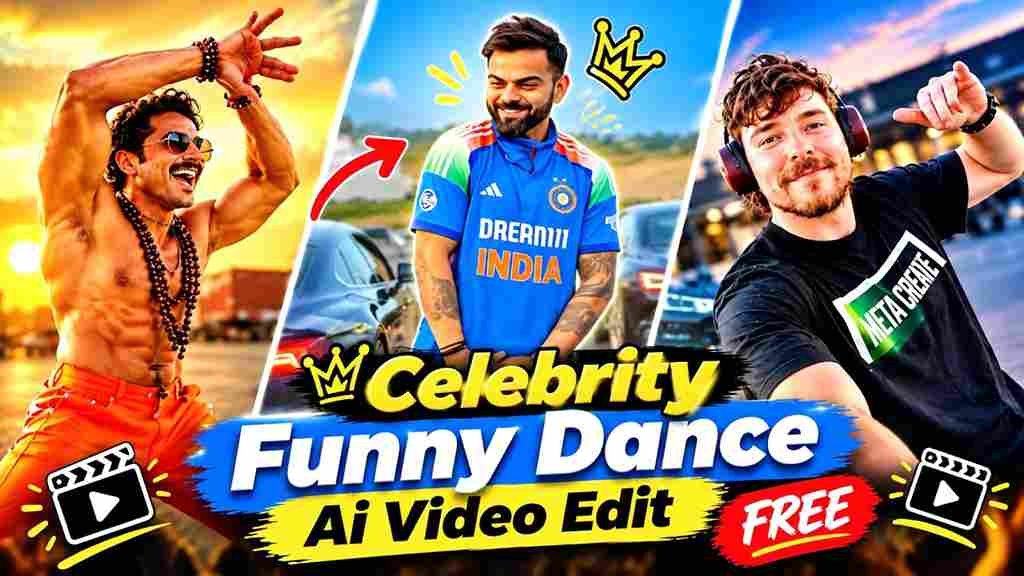
Funny dance AI videos are one of the biggest short-form trends on Instagram Reels and YouTube Shorts right now.
Instead of shooting a full video yourself, you upload a few reference photos and one dance clip, and the AI recreates the whole scene with comedy timing, handheld camera moves and realistic expressions.
In this guide, you get the ready-to-use funny dance AI video editing prompt, a step-by-step Google Flow process, and tips to get a clean result on the first try.
What Is Funny Dance AI Video Editing?
Funny dance AI video editing ek simple technique hai jisme AI tumhari photos ko ek funny dance scene mein daal deta hai.
Tumhe khud dance karne ya shoot karne ki zarurat nahi hoti.
Bas ek reference video aur 2-3 clear photos chahiye.
AI video tool reference video ki movement, camera shake, whip-pan aur timing ko copy karta hai.
Aur tumhare characters ko us scene mein fit kar deta hai.
Result ek short Reel jaisa video hota hai jo seedha Instagram pe post ho sakta hai.
Why This Trend Is Going Viral
Is trend ke viral hone ke kuch simple reasons hain.
Video sirf 8-10 seconds ka hota hai, toh log poora dekhte hain.
Handheld phone-camera look real footage jaisa lagta hai.
Last mein deadpan reaction ya funny look hota hai, jo comments aur shares badhata hai.
Friends ko tag karke “ye hum hain” bolna bhi easy hai.
Isliye Reels pe reach bahut achhi milti hai.
Funny Dance AI Video Editing Prompt
Is prompt ko apne reference video aur character photos ke saath use karo.
Best result ke liye full-body, clear aur sharp photos upload karo.
Face, outfit aur body proportion saaf dikhna chahiye.
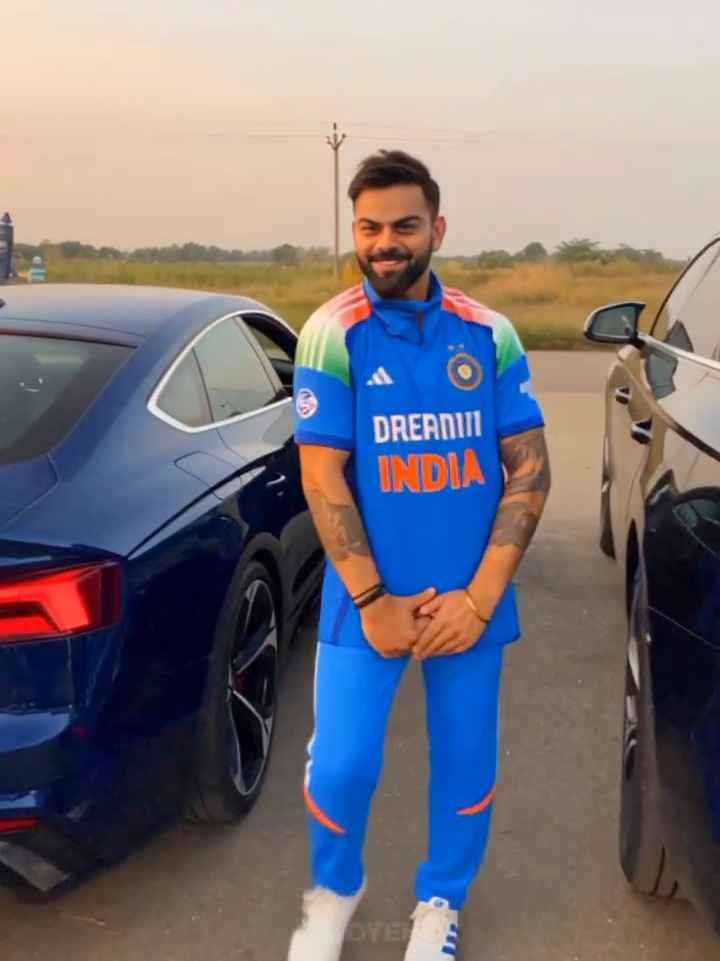
Use the uploaded reference video as the PRIMARY visual and motion reference. Recreate the video as closely as
possible to the reference video, matching its exact shot structure, timing, pacing, camera movement, framing, subject
movement, gestures, facial expressions, environment, lighting, transitions, motion blur and overall cinematic style. Do
not reinterpret the sequence or create a different composition.
REFERENCE VIDEO MATCHING: Follow the reference video’s visual choreography shot-by-shot. Preserve the
same sequence of actions, approximate duration of every shot, camera angles, camera distance, lens perspective,
handheld movement, whip-pan direction, subject entrances/exits, body movements, gestures, facial expressions,
background placement, lighting changes and transitions. The result should feel like the same video was recreated
rather than a new video inspired by it.
SHOT 1 — opening: Recreate the exact opening composition and subject positioning from the reference. Match the
subject’s body posture, dancing rhythm, hand gestures, facial expression, camera distance and handheld movement.
Preserve the same sunset/golden-hour environment, background vehicles, dusty ground, warm backlight and lens
flare.
SHOT 2 — fast movement transition: Reproduce the reference video’s exact rapid camera movement/whip-pan.
Match the direction, speed, camera rotation, distance from the subject and amount of natural motion blur. The
transition must feel like a real handheld camera movement, not a digital transition.
SHOT 3 — second character reveal: Recreate the exact framing and timing of the second character appearing after
the whip-pan. Match the character’s position relative to the camera, body movement, hand gesture, head movement,
facial expression, sunglasses, clothing appearance and wide-angle perspective. Keep the same background and
sunset lighting as visible in the reference.
SHOT 4 — rapid camera movement: Match the reference’s quick camera movement away from the second
character, including camera direction, speed, framing and motion blur. Briefly reveal the same type of roadside
environment and parked vehicles before the next reveal.
SHOT 5 — final close-up: Recreate the exact final close-up composition from the reference. Match the camera
distance, face position, head angle, eye direction, facial expression, hairstyle, glasses, clothing, lighting and shallow
depth of field. Preserve the same deadpan/comedic feeling and timing of the final look toward the camera.
CAMERA: Match the reference video precisely — vertical 9:16, handheld smartphone-camera aesthetic, wide-angle
perspective where present, natural camera shake, realistic rolling-shutter distortion, authentic motion blur, rapid
camera movements and imperfect framing.
LIGHTING: Match the reference video’s golden-hour sunset lighting, warm highlights, backlight/rim light, natural
shadows, atmospheric haze and lens flare. Do not introduce studio lighting or a different time of day. MOTION: Prioritize natural human movement and reproduce the reference timing and choreography. Do not add
extra actions, poses, camera moves or slow motion that are not present in the reference.
EDITING: Preserve the same shot order, pacing, cuts and transitions as the reference. The final video should have
the same rhythm and comedic timing.
REALISM: Photorealistic, natural skin texture, realistic anatomy, physically accurate clothing movement, realistic
facial expressions, natural environmental lighting, cinematic but authentic smartphone footage.
IMPORTANT: The uploaded reference video is the source of truth for the visual sequence. Do not make a loose
interpretation. Recreate the reference as closely as the model allows, including composition, movement, timing,
camera behavior and transitions.
Output: 9:16 vertical, same overall duration as the reference, highly realistic cinematic Instagram Reel.
Agar tum reference video ke characters ko apni uploaded image wale person se replace karna chahte ho, to prompt
ke beginning mein ye line bhi add kar dena:
Use my uploaded character/image as the identity reference, but keep the reference video’s exact choreography,
camera movement, shot composition, timing and transitions. Replace only the character identity/appearance while
preserving everything else from the referenceAgar tum apne characters ko reference video ke characters ki jagah dalna chahte ho, toh prompt ke starting mein ye line add kar do:
Generate the Video in Google Flow
Video banane ke liye Google Flow sabse easy option hai.
Flow mein reference video aur multiple photos ek saath use ho jaate hain.
How to Create a Funny Dance AI Video (Step by Step)
Step 1: Choose your reference dance video
Ek aisi video chuno jisme movement clear ho aur camera stable ho.
Jitni simple choreography, utna better result.
Step 2: Prepare your character photos
2 ya 3 clear photos ready rakho.
Har photo mein face saaf dikhna chahiye.
Blurry ya heavily filtered photos use mat karo.
Step 3: Open Google Flow and start a new project
Flow mein jaake naya project create karo.
Step 4: Upload the reference video and photos
Pehle reference video upload karo.
Phir saari character photos upload karo.
Check kar lo ki sab photos reference ke roop mein selected hain.
Step 5: Paste the prompt
Upar diya hua prompt copy karke Flow ke prompt box mein paste karo.
Step 6: Generate and preview
Generate pe click karo aur result ka wait karo.
Video dekho, aur agar face ya hands galat lage toh dobara generate karo.
Step 7: Download and post
Result achha lage toh download karo.
Phir CapCut ya VN mein music aur captions add karke Reel post karo.
Best AI Tools for Funny Dance Videos
| AI Tool | Best For | Reference Video Support | Difficulty |
|---|---|---|---|
| Google Flow | Full dance video generation with reference photos | Yes | Easy |
| Google Gemini | Prompt writing and idea building | No | Easy |
| ChatGPT | Creating clean character images before animating | No | Easy |
| CapCut | Final edit, music, captions and effects | Video editing only | Easy |
| VN | Free mobile editing and transitions | Video editing only | Easy |
| Midjourney | Stylized character art and concept frames | No | Medium |
| Leonardo AI | Character consistency and image variations | No | Medium |
Simple workflow: ChatGPT ya Leonardo se character image banao, Google Flow se video generate karo, aur CapCut ya VN mein final edit karo.
How to Make the Dance Look Funny
Is trend ka main goal entertainment hai, toh dance playful rakho.
Overly serious movement mat likho.
Prompt mein specific actions likho, jaise small jumps, exaggerated hand gestures, side-to-side steps aur surprised expressions.
Sirf “make them dance” likhne se result boring aata hai.
Last shot mein ek deadpan look ya camera ki taraf funny reaction rakho, wahi video ka punchline banta hai.
Pro Tips for Better Results
- Full-body photos use karo, taki outfit aur body proportion sahi aaye.
- Reference video 8-10 seconds ke andar rakho, longer clips mein face drift hota hai.
- Sunset ya golden-hour jaisa ek hi lighting style rakho, mixed lighting se result kharab hota hai.
- Agar hands ya face weird aaye, toh prompt mein “natural anatomy” aur “consistent face” clearly likho.
- 2-3 versions generate karo aur best wala choose karo.
- Final video mein trending audio add karo, reach badhti hai.
- Vertical 9:16 format hi use karo.
Use Celebrity-Style Videos Responsibly
Agar tum kisi famous personality jaisa character banate ho, toh isko fan-made creative video ki tarah hi present karo.
Isko real footage bata ke post mat karo.
Caption ya description mein “AI Generated” likh dena achha rehta hai.
Kisi ki real photo ka misuse ya misleading video mat banao.
Safe rehne ke liye apni ya apne friends ki photos use karo, aur unki permission lo.
FAQs
Which AI tool is best for a funny dance AI video with a reference video?
Google Flow is a good choice because it accepts a reference video and multiple character photos together.
How many photos do I need for a funny dance AI video?
2 ya 3 clear photos kaafi hain, ek photo per character.
Why does the face change in my AI dance video?
Usually photos blurry hoti hain ya prompt mein identity clearly nahi likhi hoti.
Sharp full-body photos use karo aur dobara generate karo.
Can I use my own friends as characters in this dance video?
Haan, bilkul.
Bas unki permission le lo aur clear photos use karo.
How long should the reference dance video be?
8-10 seconds best rehta hai, kyunki chhote clips mein movement aur camera timing zyada accurate aati hai.
Do I need to label the video as AI generated?
Especially jab video mein celebrity-style characters ho, toh “AI Generated” label lagana achha practice hai.
Which platform is best to post this video?
Instagram Reels aur YouTube Shorts dono pe ye trend achha chalta hai.
Final Words
Funny dance AI video editing ek easy aur fun tarika hai apni photos ko viral Reel mein badalne ka.
Bas clear photos, ek achhi reference video aur sahi prompt chahiye.
Google Flow mein generate karo, CapCut ya VN mein edit karo, aur apne followers ko surprise kar do.
Result try karke comments mein batao.
Join MeraPrompt on Telegram
Aise aur trending AI prompts, CapCut templates aur video editing ideas sabse pehle paane ke liye humara Telegram channel join karo.
Roz naye prompts aur templates wahan upload hote hain.