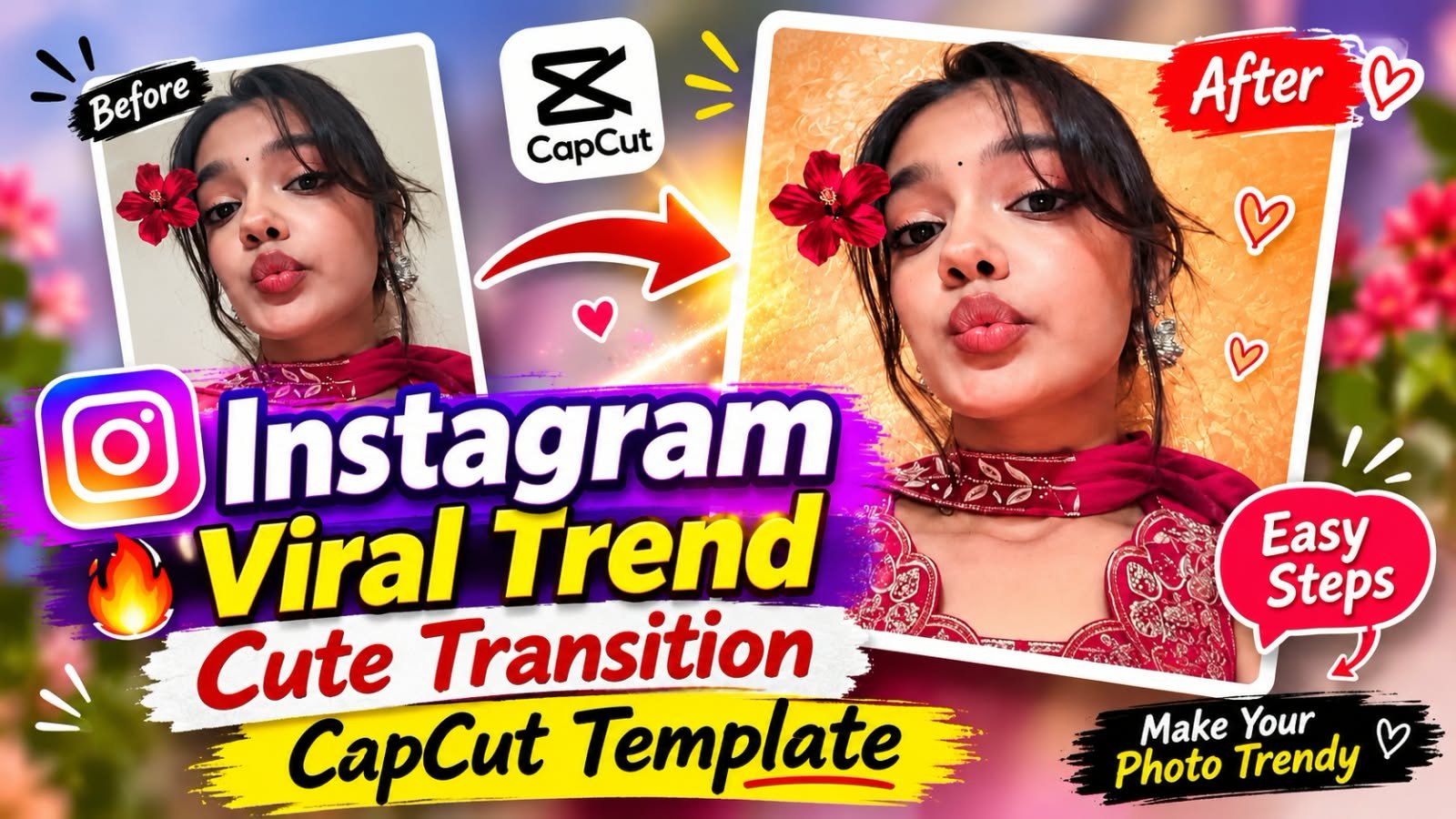
A simple selfie can turn into a smooth, aesthetic Instagram Reel in just a few taps. The Cute Transition CapCut Template is one of the easiest ways to do it. You only need a few good photos, and the template takes care of the transitions, timing, and music sync. In this guide, you will learn how to use this template, what kind of photos work best, and how to create a similar edit in VN if the template link does not open.
What Is the Cute Transition CapCut Template?
Cute Transition CapCut Template ek ready-made video edit hai.
Isme aapki photos ek ke baad ek smooth transitions ke saath change hoti hain.
Beat ke saath zoom, flash, blur aur soft motion effects aate hain.
Aapko bas sample photos hatani hain aur apni photos daalni hain.
Edit khud ban jata hai, aur 2 se 3 minute me Reel ready ho jati hai.
Ye template un logon ke liye perfect hai jo editing nahi jaante.
Instagram Reels, WhatsApp Status aur YouTube Shorts, teeno ke liye use kar sakte ho.
Cute Transition Trend Itna Popular Kyun Hai?
Is trend ki sabse badi baat hai iska simple look.
Normal photo slideshow boring lagta hai.
Lekin jab wahi photos beat par transition ke saath aati hain, to Reel premium lagti hai.
Har photo me alag expression ya pose ho, to video aur zyada cute lagta hai.
Isliye log isse selfies, friends ki photos aur memories ke liye use kar rahe hain.
Kaun Si Photos Is Template Ke Liye Best Hain?
Template me photos ka selection result decide karta hai.
Ye types sabse achhe kaam karte hain:
- Different expressions wali cute selfies
- Mirror selfies with different poses
- Best friend ya sibling ke saath photos
- Couple memories
- Aesthetic portraits with clean background
Photos me light achhi honi chahiye.
Face clear dikhna chahiye.
Vertical photos use karo, kyunki Reels 9:16 format me chalti hain.
How to Use Cute Transition CapCut Template
Step 1: Upar diye gaye Use Template button par click karo.
Step 2: CapCut app khulega, template ka preview dekho.
Step 3: Use Template par tap karo.
Step 4: Gallery se utni photos select karo jitni template maangta hai.
Step 5: Photos ko usi order me select karo jisme aap dikhana chahte ho.
Step 6: Next dabao aur video generate hone do.
Step 7: Preview me check karo ki face frame ke andar sahi se aa raha hai ya nahi.
Step 8: Agar koi photo blur ya off-center lage, to usse change kar lo.
Step 9: Export par tap karo aur 1080p select karo.
Step 10: Instagram kholo, Reel upload karo, caption aur hashtags daalo.
Agar aap India me ho, to CapCut app ko latest version par update zaroor rakhna.
Template Link Open Nahi Ho Raha? Ye Try Karo
Kabhi kabhi template link kaam nahi karta.
Iske 3 common reasons hote hain.
- Creator ne template remove kar diya hota hai
- Link expire ho gaya hota hai
- Aapke region me template available nahi hota
Is situation me CapCut app update karo.
VPN band rakho aur link dobara open karo.
Phir bhi na chale, to CapCut ke Templates section me “cute transition” search karke similar template use kar lo.
Ya neeche diye gaye VN method se same type ka edit khud bana lo.
VN Editor Me Cute Transition Video Kaise Banayein?
VN me template ke bina bhi aap ye style bana sakte ho.
Isme thoda time lagta hai, lekin control zyada milta hai.
Step 1: VN app kholo aur New Project banao.
Step 2: Apni photos gallery se import karo.
Step 3: Photos ko timeline par sahi order me lagao.
Step 4: Apna favourite trending song add karo.
Step 5: Har photo ki duration 0.5 se 1 second ke beech rakho, taaki beat ke saath match kare.
Step 6: Do photos ke beech transition lagao, jaise zoom, flash ya blur.
Step 7: Keyframes se halka zoom-in effect add karo.
Step 8: Pura video ek baar play karke dekho aur jahan jerk lage wahan timing adjust karo.
Step 9: Export 1080p, 9:16 format me karo.
CapCut vs VN: Is Edit Ke Liye Kaun Sa Better Hai?
| Feature | CapCut | VN |
|---|---|---|
| Ready-made template | Haan, direct Use Template button | Creator-shared code ya project |
| Time lagta hai | 2 se 3 minute | 10 se 15 minute |
| Transition control | Template ke andar fixed | Poora manual control |
| Beginners ke liye | Bahut easy | Easy, thoda practice chahiye |
| Best for | Quick trending Reel | Custom edit |
Agar aapko jaldi Reel upload karni hai, to CapCut chuno.
Agar apni style me edit banana hai, to VN better rahega.
Pro Tips: Reel Ko Aur Better Kaise Banayein
- Sirf sharp aur well-lit photos use karo.
- Heavy filters mat lagao, natural look zyada cute lagta hai.
- Pehli photo sabse strong rakho, kyunki Reel ke first 2 seconds sabse important hote hain.
- Ek hi type ki 2 photos back-to-back mat lagao.
- Template ke upar extra effects mat daalo, warna video bhaari lagta hai.
- Export hamesha 1080p me karo.
- Caption chhota aur mood ke hisab se rakho.
Caption Ideas
- Small moments, big smiles. 🩷
- Ek photo me kahan poori story aati hai.
- Cute mode: ON.
- Memories ko bhi thoda glow-up chahiye.
Frequently Asked Questions
Cute Transition CapCut Template me kitni photos lagti hain?
Ye template ke hisab se alag hota hai, aam taur par 6 se 12 photos lagti hain.
Template preview me upar hi required photos ka number dikh jata hai.
Is template me video clips bhi daal sakte hain?
Haan, kuch templates me video clips bhi chalte hain.
Lekin best result ke liye clear photos use karna zyada safe hai.
Cute Transition template ke liye best photos kaise honi chahiye?
Alag alag expressions aur poses wali photos sabse achhi lagti hain.
Face clear ho, light achhi ho, aur photo vertical ho.
Template me meri photo cut ho rahi hai, kya karun?
Preview me us photo par tap karke crop adjust karo.
Agar phir bhi face cut ho raha ho, to dusri photo select karo jisme face center me ho.
Kya Cute Transition video Instagram ke alawa kahin aur use ho sakta hai?
Haan, same video WhatsApp Status, YouTube Shorts aur Facebook Reels par bhi upload kar sakte ho.
CapCut me Cute Transition template na mile to kya karun?
App update karo aur Templates section me “cute transition” search karo.
Ya VN editor me upar bataye gaye steps se same style ka edit khud bana lo.
Kya ye template free hai?
CapCut templates generally free hote hain.
Export me watermark aa sakta hai, jise end card hata kar ya settings se control kar sakte ho.
Conclusion
Cute Transition CapCut Template ek simple aur fast tareeka hai apni photos ko Reel me badalne ka.
Achhi photos choose karo, beat ke saath match karta song lagao, aur 1080p me export karo.
Template na chale to VN me manual edit bana sakte ho.
Aise hi latest trending CapCut templates, VN codes aur AI prompts ke liye MeraPrompt ko follow karte raho.
Roz ke new updates sabse pehle paane ke liye humare Telegram channel se jud jao.