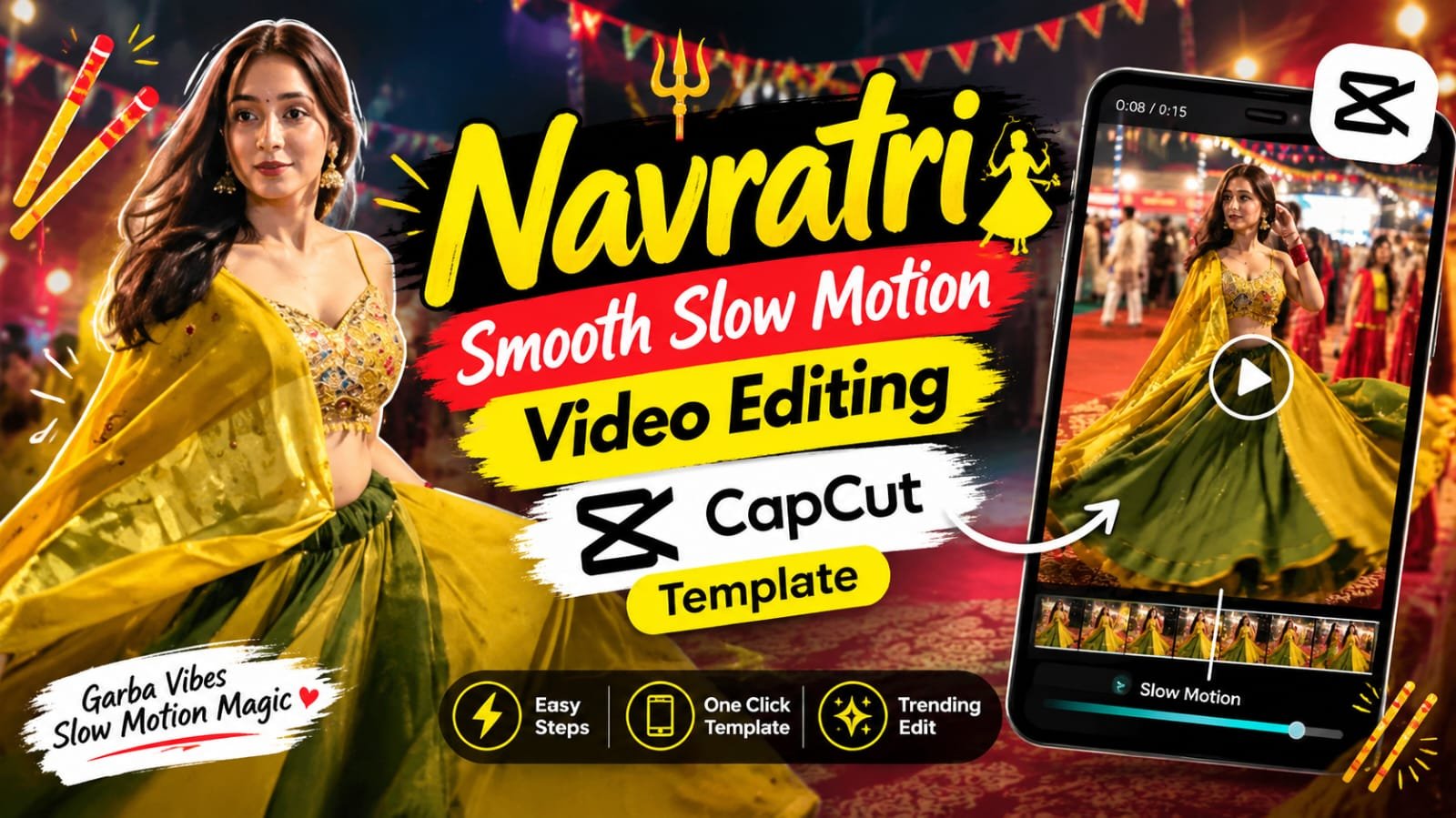
If you have been scrolling Instagram this Navratri, you have probably seen a reel that starts with a quick blur and light flash, and then turns into a super smooth slow motion twirl.
That is the Navratri smooth slow motion video editing template, and it is made in CapCut.
The best part is that you do not need any editing skills, because the template does the whole job for you.
In this guide, we will show you how this template works, how to use it in one tap, and how to make the same slow motion effect manually in CapCut.
What Is the Navratri Smooth Slow Motion Video Editing Template
Ye ek 11 second ka vertical reel template hai.
Isme starting me thoda blur aur light streak wala fast motion aata hai.
Phir video achanak sharp hoke smooth slow motion me chalne lagta hai.
Garba, dandiya aur lehenga twirl wale shots is template me sabse zyada achhe lagte hain.
Slow motion ki wajah se lehenga ka flare, dupatta ki movement aur festival ki lights sab kuch cinematic dikhta hai.
What You Will See in the Template
- Pehle 4 second: fast spin, motion blur aur white light streaks
- Beech me: blur se sharp video me smooth snap transition
- Last ke 6 second: smooth slow motion twirl with halka aesthetic text
- Background: garba ground ki lights, jhandiyan aur festival crowd
Fast se slow ka ye contrast hi is reel ka main hook hai.
Template Details
| Detail | Info |
|---|---|
| Template Type | CapCut Template |
| Style | Smooth slow motion with blur transition |
| Best For | Navratri, Garba, Dandiya, Durga Puja, Wedding |
| Video Length | About 11 seconds |
| Format | Vertical 9:16 |
| Clips Needed | 1 to 3 twirl, spin or dance videos |
| Works For | Lehenga, chaniya choli, saree, kurta, kediyu |
| Difficulty | Easy |
Template Link
How to Use the Navratri Slow Motion Template in CapCut
Step 1: Open the Template Link
Upar diye gaye link par click karo.
CapCut app me template open ho jayega.
Agar CapCut nahi hai to pehle install kar lo.
Step 2: Tap on Use Template
Preview dekhne ke baad “Use template” dabao.
Gallery open hogi.
Step 3: Select Your Garba or Dance Clip
Apni twirl ya dance wali video select karo.
4 se 6 second ki clip best rehti hai.
Agar clip 60 fps me shoot ki hai to slow motion aur zyada smooth lagega.
Step 4: Edit the Text
Neeche ka aesthetic text apni marzi se change karo.
Aap apna Instagram handle ya Navratri wish bhi daal sakte ho.
Step 5: Export and Post
Export dabao aur 1080p me save karo.
Phir Instagram Reels par trending garba audio ke saath upload karo.
How to Make Smooth Slow Motion in CapCut Manually
Agar template link nahi chal raha, to ye effect khud bana lo.
- CapCut me new project kholo aur apni Navratri video import karo.
- Video ko 9:16 ratio me set karo.
- Starting ka 3 se 4 second ka part split karo.
- Is part par Zoom Blur ya Spin effect lagao.
- Lens Flare ya Light Leak overlay add karo.
- Blur part ke end me Flash transition lagao.
- Baaki clip select karo, Speed me jao, phir Normal speed ko 0.5x ya 0.3x karo.
- Smooth Slow-Mo ka option on karo, taaki frames blend hon aur video jerky na lage.
- Curve > Montage ya Flash In use karke speed ramp banao.
- Beat par cuts match karo aur trending audio add karo.
Tips for Perfectly Smooth Slow Motion
- Video 60 fps ya 120 fps me shoot karo, 30 fps me slow motion thoda atak sakta hai
- Phone ko steady rakho, tripod ya kisi ko hold karne ko bolo
- Twirl ke time lehenga ya dupatta ka flare full frame me dikhna chahiye
- Roshni achhi ho, garba ground ki lights ke paas shoot karo
- Export 1080p, 30 fps ya 60 fps me karo
- Slow motion ke saath beat drop match karoge to reel viral hone ke chance badhte hain
CapCut vs VN: Which Is Better for Slow Motion
| Feature | CapCut | VN |
|---|---|---|
| One-tap Template | Yes | Limited |
| Smooth Slow-Mo (frame blend) | Yes | Yes |
| Speed Curves | Yes | Yes |
| Ready Blur and Light Leak Effects | Many | Fewer |
| Best For | Quick viral reels | Custom manual edits |
Jaldi reel banani ho to CapCut chuno.
Apne hisaab se speed curve set karna ho to VN try karo.
Pro Tips for a Viral Navratri Reel
- Navratri ke 9 din ke andar post karo, tab reach zyada milti hai
- Pehle 2 second me hi blur hook rakho
- Caption me Navratri, Garba, Dandiya jaise keywords daalo
- 3 se 5 relevant hashtags kaafi hain
- Original sound halka rakho aur trending audio upar rakho
FAQs
Q1. Is the Navratri smooth slow motion template free?
Haan, template free hai.
Bas CapCut app installed honi chahiye.
Q2. Why is my slow motion video not smooth?
Shayad clip 30 fps me hai.
60 fps ya 120 fps me shoot karo aur CapCut me Smooth Slow-Mo on rakho.
Q3. Can I use this template for dandiya or garba dance clips?
Haan.
Dance, twirl aur spin wale kisi bhi Navratri clip ke saath ye achha chalta hai.
Q4. Can boys use this Navratri slow motion template?
Bilkul.
Kurta, kediyu ya dhoti me twirl shots ke saath bhi ye template achha lagta hai.
Q5. Which audio works best with this template?
Koi bhi trending garba ya Navratri song lagao.
Beat par blur-to-sharp snap match karoge to reel aur smooth lagegi.
Q6. What slow motion speed should I use manually?
0.3x se 0.5x ke beech rakho.
Isse se zyada slow karoge to clip kheenchi hui lagegi.
Q7. Template link not opening, what to do?
CapCut ko latest version me update karo.
VPN band karke link dobara kholo.
Final Words
Navratri smooth slow motion video editing template se aap sirf kuch taps me cinematic garba reel bana sakte ho.
Fast blur aur smooth slow motion ka combo har clip ko premium look deta hai.
Ise try karo aur apni reel humein Instagram par tag karna mat bhoolna.
Aise hi trending CapCut templates, AI photo prompts aur viral reel ideas ke liye hamare Telegram channel se jud jao.
Naye templates sabse pehle wahi milte hain.
Join our Telegram channel: MeraPrompt
Rank Math SEO Data
Focus Keyword: navratri smooth slow motion video editing template
SEO Title: Navratri Smooth Slow Motion Video Editing CapCut Template 2026
Meta Description: Make a smooth slow motion Navratri reel with this CapCut template. Get the one-tap guide, manual slow-mo method, tips and FAQs for garba and dandiya videos.
Slug: navratri-smooth-slow-motion-video-editing-capcut-template
Secondary Keywords: navratri capcut template 2026, garba slow motion reel template, dandiya capcut template, lehenga twirl capcut template