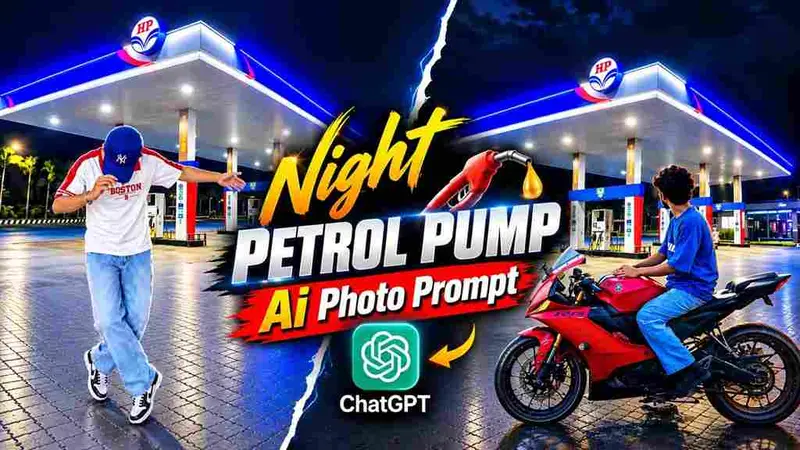
The Petrol Pump AI Photo Edit trend is taking over Instagram right now, and honestly it’s one of the most cinematic AI photo edits we’ve seen this month. This trend lets you place yourself in front of a glowing petrol pump at night, with your face, outfit, and pose kept exactly the same, while the AI builds a completely realistic night-time scene around you. Agar aapko bhi wo dramatic, DSLR-jaisa night photo chahiye jisme aap petrol pump ki lights ke saamne khade ho, to ye guide aapke liye hi hai.
Is post mein hum aapko exact prompt denge jisse ye photo banti hai, saath hi step-by-step process bhi samjhayenge.
⛽ Petrol Pump AI Photo Editing Kya Hai?
Ye ek AI image transformation trend hai jisme aapki reference photo ko ek petrol pump ke night-time background ke saath merge kiya jaata hai. Pehle aisi photos banane ke liye Photoshop mein manual masking aur background blending karni padti thi, jisme ghanto lagte the. Ab AI tools jaise ChatGPT ya Gemini aapki do reference images (ek aapki, ek petrol pump ki) leke ek naya realistic photo bana dete hain. Aapka face, hairstyle, clothes, aur pose bilkul same rehte hain — sirf background aur lighting change hoti hai.
📝 Realistic Night Petrol Pump AI Photo Editing Prompt
Neeche diya gaya prompt copy kariye aur apni person reference photo + petrol pump background photo ke saath kisi bhi AI image tool mein use kariye.
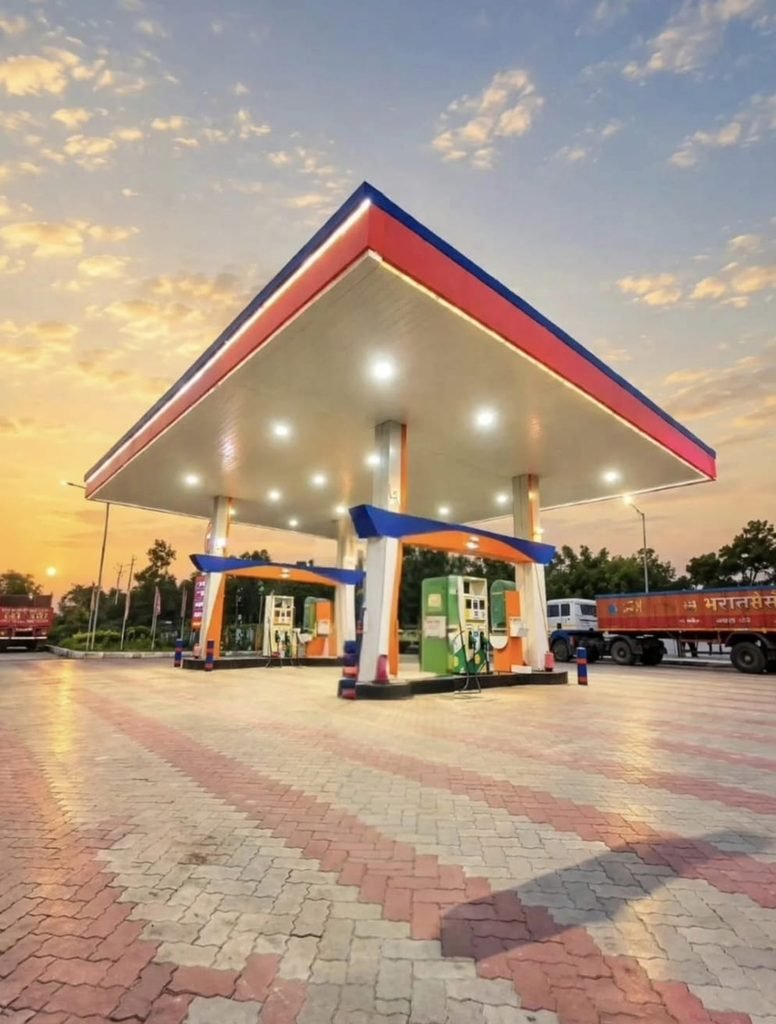
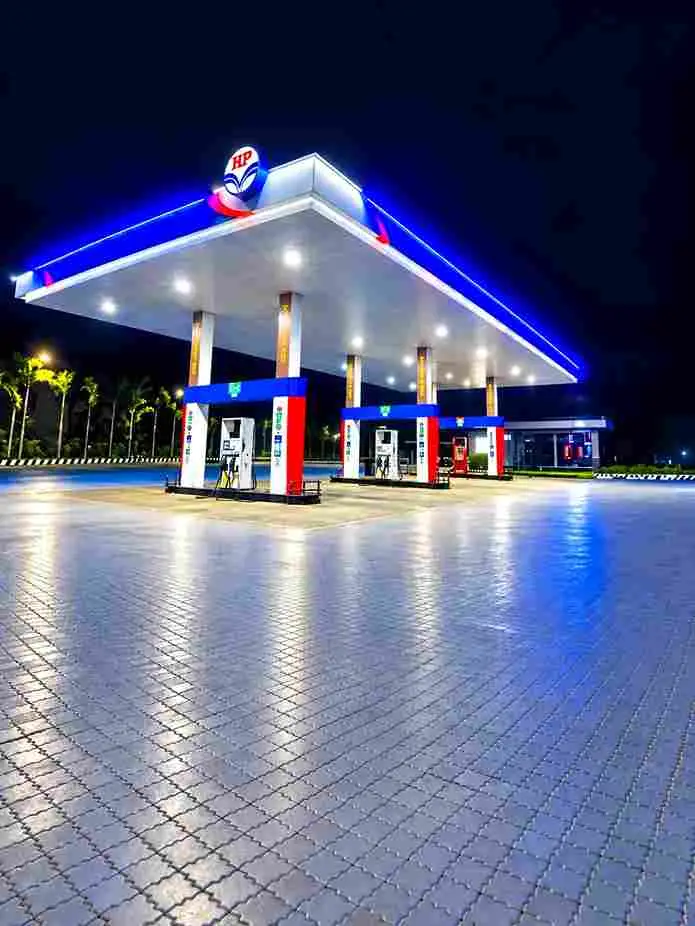
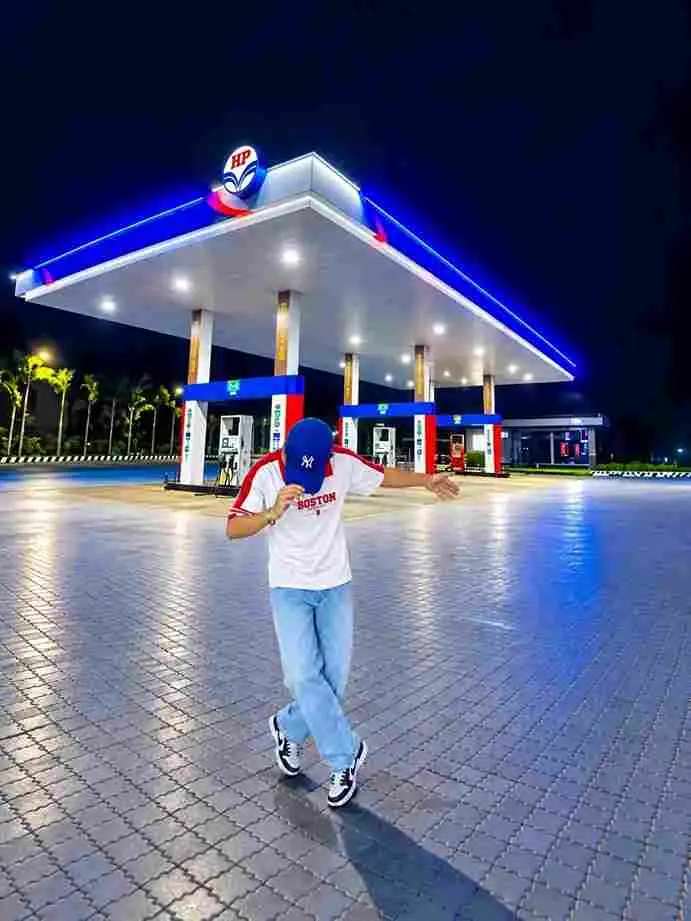
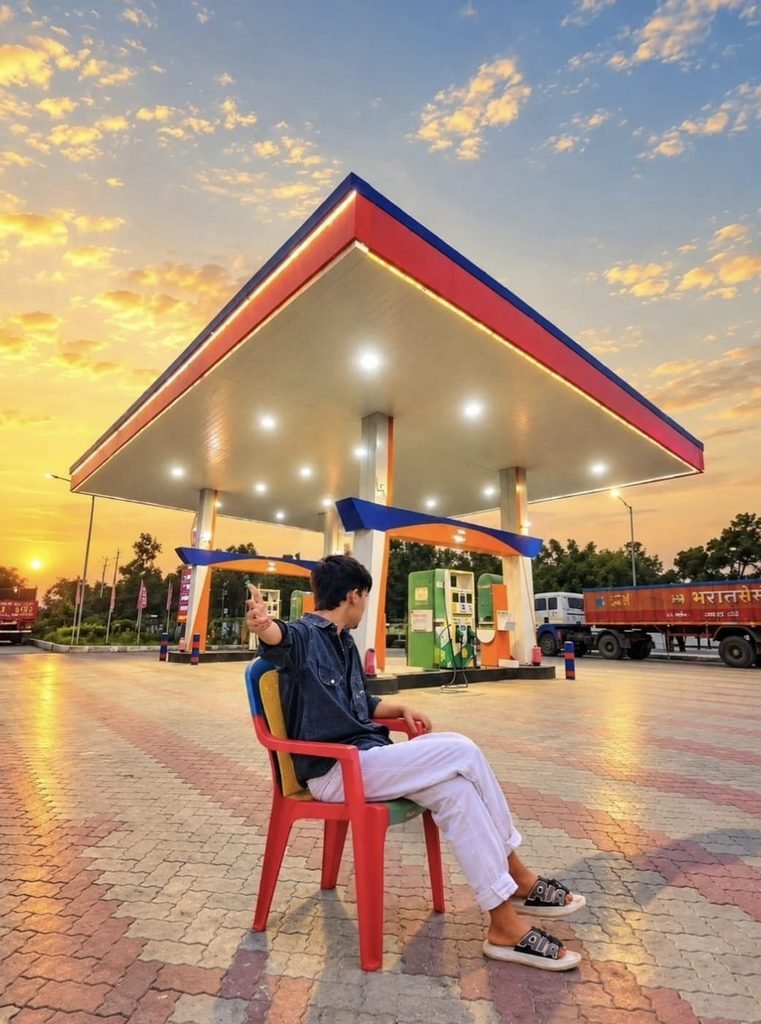
Use the first photo as the exact reference for the person and the second photo as the background/location. Place the same person from the first image naturally into the second image, standing in front of the HP petrol pump at night in the same open-arms pose. Keep his face, hairstyle, skin tone, body shape, clothes, hands, arms and overall proportions exactly the same as the first photo - do not change or regenerate his face. Match his height and scale naturally with the petrol station environment. Make the lighting, shadows, reflections and perspective perfectly consistent with the night-time petrol pump scene. Keep the large petrol station canopy, pumps, trucks, road and surrounding lights clearly visible in the background. Create a highly realistic DSLR-style composite with sharp natural details, realistic skin and fabric texture,cinematic night lighting, subtle blue/red petrol-pump glow, natural ground shadows and reflections. The final image must look like an authentic photographIs prompt ko ChatGPT ya Gemini mein paste karne se pehle apni dono reference images upload karna na bhoolein — pehli photo person ki, dusri photo petrol pump background ki.
🚀 Petrol Pump AI Photo Kaise Banayein – Step by Step
- Clear reference photo chunein – Aisi photo select karein jisme aapka face, pose, aur clothes saaf dikh rahe hon.
- Petrol pump background photo dhoondhein – Night-time petrol pump ki ek high-quality photo internet se ya khud click ki hui use karein.
- AI tool open karein – ChatGPT, Gemini, ya koi bhi tool jo reference images support karta ho.
- Dono images upload karein – Pehli image person reference, dusri background reference ke tor par.
- Upar diya gaya prompt paste karein – Aur image generate karein.
- Result check karein – Face, hands, aur lighting achhi tarah dekhein, agar kuch odd lage to prompt mein chhoti tabdeeli karke dubara try karein.
💡 Night Lighting Ko Naturally Match Karein
Night photo mein sabse zyada dhyaan lighting par dena padta hai. Petrol pump ki bright overhead lights aapke subject par naturally highlights aur shadows create karni chahiye, warna photo “paste” jaisi lagegi. Prompt mein clearly mention karein ki brightness, color temperature, aur shadow direction background ke saath match ho. Blue-red petrol pump glow ko subtly include karna photo ko aur cinematic bana deta hai.
🎬 Cinematic DSLR Look Kaise Add Karein
Agar aap chahte hain ki photo ekdum professional photographer ne click ki ho aisi lage, to prompt mein “DSLR-style”, “natural skin texture”, aur “realistic reflections” jaise keywords zaroor add karein. Photo ko zyada dark ya over-edited na banayein — natural balance hi best result deta hai. Halka sa cinematic contrast aur soft background blur photo ko aur premium feel dega.
🛠️ Best AI Tools for Petrol Pump Photo Editing
| Tool | Reference Image Support | Realistic Output | Free Version |
|---|---|---|---|
| ChatGPT | ✅ | ✅✅✅ | ✅ Limited |
| Google Gemini | ✅ | ✅✅ | ✅ |
| Google Flow | ✅ (Video) | ✅✅ | ✅ Limited |
| Leonardo AI | ✅ | ✅✅ | ✅ Limited |
| Midjourney | Limited | ✅✅✅ | ❌ |
📌 Pro Tips Better Results Ke Liye
- Hamesha high-resolution reference photo use karein, blurry photo se face distort ho sakta hai.
- Pose aur camera angle ko background ke perspective ke saath match karein.
- Prompt mein clearly bताएं ki kaunsi image person hai aur kaunsi background.
- Result generate hone ke baad hands aur face ko zoom karke zaroor check karein.
- Poora prompt dobara likhne ki bajaye chhote-chhote changes karke test karein.
❓ FAQs – Petrol Pump AI Photo Edit
Q1. Petrol Pump AI Photo Edit trend kahan se viral hua?
Ye trend Instagram Reels aur AI photo editing communities se shuru hokar tezi se viral hua hai.
Q2. Kya ye prompt free AI tools mein bhi kaam karta hai?
Haan, ChatGPT aur Gemini ke free version mein bhi ye prompt kaam karta hai, results tool ke hisaab se thoda vary kar sakte hain.
Q3. Kya main apni khud ki petrol pump photo background ke liye use kar sakta hoon?
Bilkul, jitni high-quality aur clear background image hogi, result utna hi realistic aayega.
Q4. Agar face match nahi ho raha to kya karein?
Prompt mein “do not change or regenerate face” wali line ko aur strong karein aur ek clearer front-facing reference photo use karein.
🔥 Final Words
Petrol Pump AI Photo Edit ek aisa trend hai jo simple portrait ko ek cinematic night photograph mein badal deta hai. Sahi reference images aur upar diya gaya prompt use karke aap bhi ye trending look asaani se create kar sakte hain. Agar aapko is prompt ko use karte time koi dikkat aaye ya aur bhi trending AI photo prompts chahiye, to hamare Telegram channel se judiye — hum roz naye viral prompts share karte hain. 📲