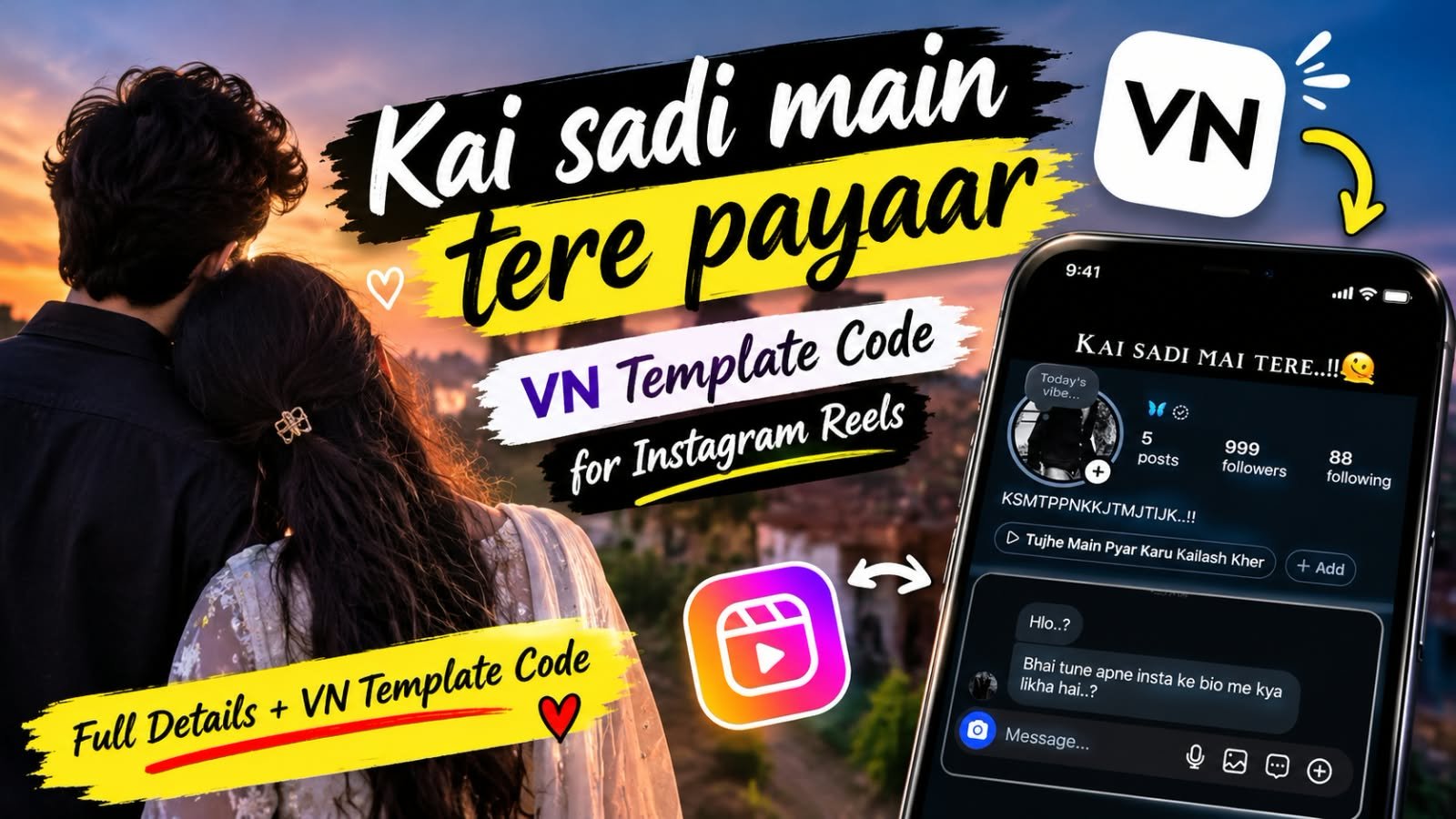
If you are on Instagram these days, you have probably seen this reel already.
It starts with a simple DM chat, then smoothly shifts to a profile screen with a bio and a song playing in the background.
On top of that, the lyric lines appear one by one with small emojis, and the whole thing just feels so aesthetic.
In this article, I am sharing the Tujhe Main Pyar Karu VN template code, so you can make the same reel in your own VN app in just a few taps.
Tujhe Main Pyar Karu VN Template Kya Hai?
Ye ek trending Instagram reel template hai jo VN Video Editor me banta hai.
Isme song hai “Tujhe Main Pyar Karu” by Kailash Kher.
Reel ke start me ek chat screen aati hai jisme ek dost puchta hai ki “Hlo..? Bhai tune apne insta ke bio me kya likha hai..?”
Uske baad screen smoothly profile page par chali jaati hai jahan aapka bio aur song ka naam dikhta hai.
VN Template ⤵️
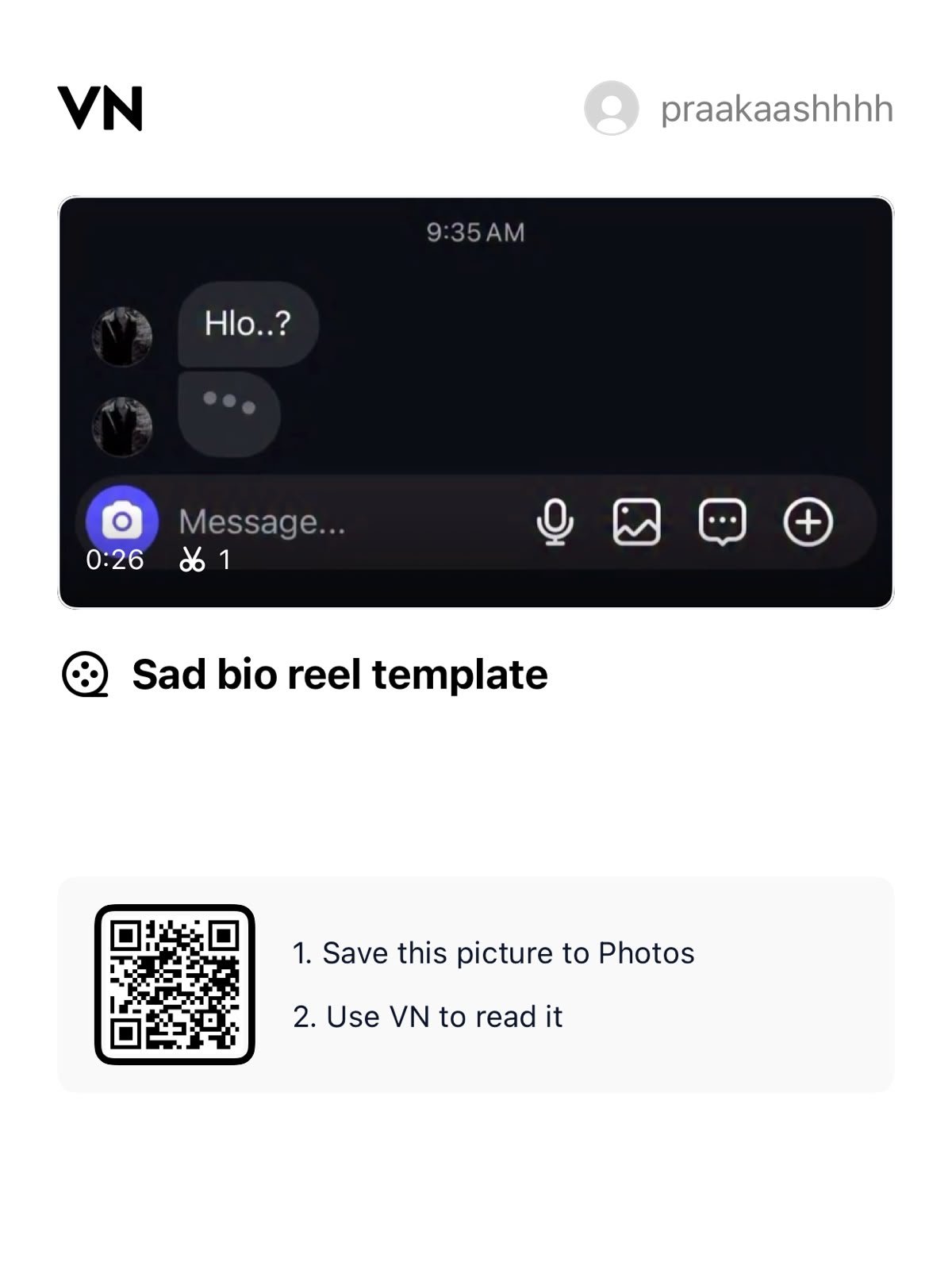
Fir song ki lines ek ek karke typing style me screen par aati hain, har line ke end me ek emoji ke saath.
Poori reel dark aur clean look me hoti hai, isliye ye romantic aur emotional dono type ke audience ko pasand aa rahi hai.
Template Ki Details
| Detail | Info |
|---|---|
| Template Name | Tujhe Main Pyar Karu Bio Lyrics Template |
| App | VN Video Editor |
| Song | Tujhe Main Pyar Karu (Kailash Kher) |
| Video Length | Around 26 seconds |
| Format | Vertical 9:16 |
| Style | Chat to profile transition with lyrics typing text |
| Look | Dark, clean, aesthetic |
| Best For | Instagram Reels, WhatsApp Status, Shorts |
| Difficulty | Easy |
Tujhe Main Pyar Karu VN Template Code
Neeche diye gaye code ko copy karo aur VN app me paste karo.
Code expire ho jaye ya kaam na kare to Telegram channel par message kar do, hum naya code daal denge.
VN Template Code Use Kaise Kare
Step by step ye process follow karo.
Step 1: Sabse pehle Play Store ya App Store se VN Video Editor ka latest version install karo.
Step 2: Upar diye gaye code ko copy kar lo.
Step 3: VN app kholo aur Create ya Template section me jao.
Step 4: “Use Template Code” ya “Enter Code” ka option select karo.
Step 5: Copy kiya hua code paste karo aur template load hone ka wait karo.
Step 6: Template khulne ke baad apni profile photo, username aur bio wala part replace karo.
Step 7: Chat wali screen me apne dost ka naam ya apna message edit kar sakte ho.
Step 8: Lyrics wale text me jo emoji aur words chahiye wo apne hisaab se change kar lo.
Step 9: Preview me ek baar poori reel dekh lo aur timing check kar lo.
Step 10: Export karo, 1080p quality select karo aur seedha Instagram par upload kar do.
Is Reel Me Kya Kya Khaas Hai
Ye template simple dikhta hai, lekin isme kaafi cheezein hai jo reel ko attractive banati hain.
- Start me DM chat style intro jo viewer ko turant hook kar leta hai
- Chat se profile page tak smooth fade transition
- Profile screen par bio aur music tag ka realistic look
- Lyrics ek ek line me typing animation ke saath aati hain
- Har line ke end me ek chhota emoji jo feel ko badhata hai
- Dark background jo text ko clearly highlight karta hai
- Poori reel ek hi flow me chalti hai, to editing complex nahi lagti
Apni Reel Ko Unique Kaise Banaye
Same template ko sab use kar rahe hain, isliye thoda alag dikhna zaroori hai.
- Apna khud ka bio likho, kuch short aur meaningful
- Profile photo me aesthetic ya silhouette type photo lagao
- Chat me apne dost ka real reaction ya funny line daalo
- Emoji ko song ke mood ke hisaab se choose karo
- Text ka font aur size thoda change karke apna style add karo
- Song ke beat ke saath text timing sync karo
AI Tools Comparison For Making This Reel
Is type ki reel banane ke liye alag alag tools kaam aate hain.
| Tool | Best Use | Difficulty | Result |
|---|---|---|---|
| VN | Template code se direct reel edit | Easy | Best for this reel |
| CapCut | Similar template aur text animation | Easy | Very good |
| ChatGPT | Bio ideas, caption aur hashtag likhne ke liye | Easy | Great for text |
| Google Gemini | Profile photo ya aesthetic image ideas | Easy | Good |
| Google Flow | Extra AI video clips banane ke liye | Medium | Good for intros |
| Midjourney | Aesthetic profile picture generate karne ke liye | Medium | Great visuals |
| Leonardo AI | Dark aesthetic images aur backgrounds | Medium | Very good |
Pro Tips
- Reel upload karne se pehle song ko Instagram ke original audio ya library se hi add karo, taki reach better rahe.
- Template export karte time 1080p aur 30 fps rakho, quality clean aayegi.
- Bio me bahut lamba text mat likho, chhota aur catchy bio zyada achha lagta hai.
- Post karne ka best time shaam 7 se 10 baje ke beech hota hai.
- Caption me song ka naam aur 4 se 5 relevant hashtags daalo.
- Pehle 3 second me hook strong rakho, kyunki chat wala intro hi viewers ko rokta hai.
Caption Ideas
Ye captions copy karke use kar sakte ho.
- Bio padhi kya tumne?
- Kuch feelings words me nahi aati
- Ye song bas dil se suno
- Bio me jo likha hai wahi sach hai
Hashtags
#TujheMainPyarKaru #KailashKher #VNTemplate #VNTemplateCode #InstagramReels #TrendingReels #ReelTemplate #LyricsReel #BioReel #MeraPromptFAQs
Tujhe Main Pyar Karu VN template code kaha milega?
Code is article me upar diye gaye code box me hai, bas copy karo aur VN app me paste kar do.
Kya ye template free hai?
Haan, VN Video Editor aur ye template dono free me use ho jaate hain.
Template me apna bio kaise dalu?
Template khulne ke baad profile screen wale layer par tap karo aur bio text edit kar do.
Chat wale intro me message change kar sakte hai?
Haan, chat screen ke text layer ko select karke apna message ya dost ka naam likh sakte ho.
Lyrics wali lines me emoji badal sakte hai?
Bilkul, har line ke saath ka emoji alag text layer hai, to usko apne mood ke hisaab se replace kar sakte ho.
Reel ki length kitni hai?
Original reel lagbhag 26 seconds ki hai, aap chaho to lines kam karke chhota bhi bana sakte ho.
Template code kaam nahi kar raha to kya kare?
VN app update karo, internet check karo aur code dobara copy paste karo. Phir bhi na chale to Telegram par bata do.
Kya ye reel WhatsApp Status par bhi laga sakte hai?
Haan, vertical format hone ki wajah se Status aur Shorts dono ke liye perfect hai.
Final Words
Ye Tujhe Main Pyar Karu VN template simple hai, lekin dikhne me kaafi premium lagta hai.
Bas code paste karo, apna bio aur photo lagao, aur reel ready.
Aise hi trending templates aur viral prompts ke liye meraprompt.com ko bookmark kar lo.
Aur sabse fast update chahiye to hamara Telegram channel join kar lo, wahan har naya code sabse pehle milta hai.