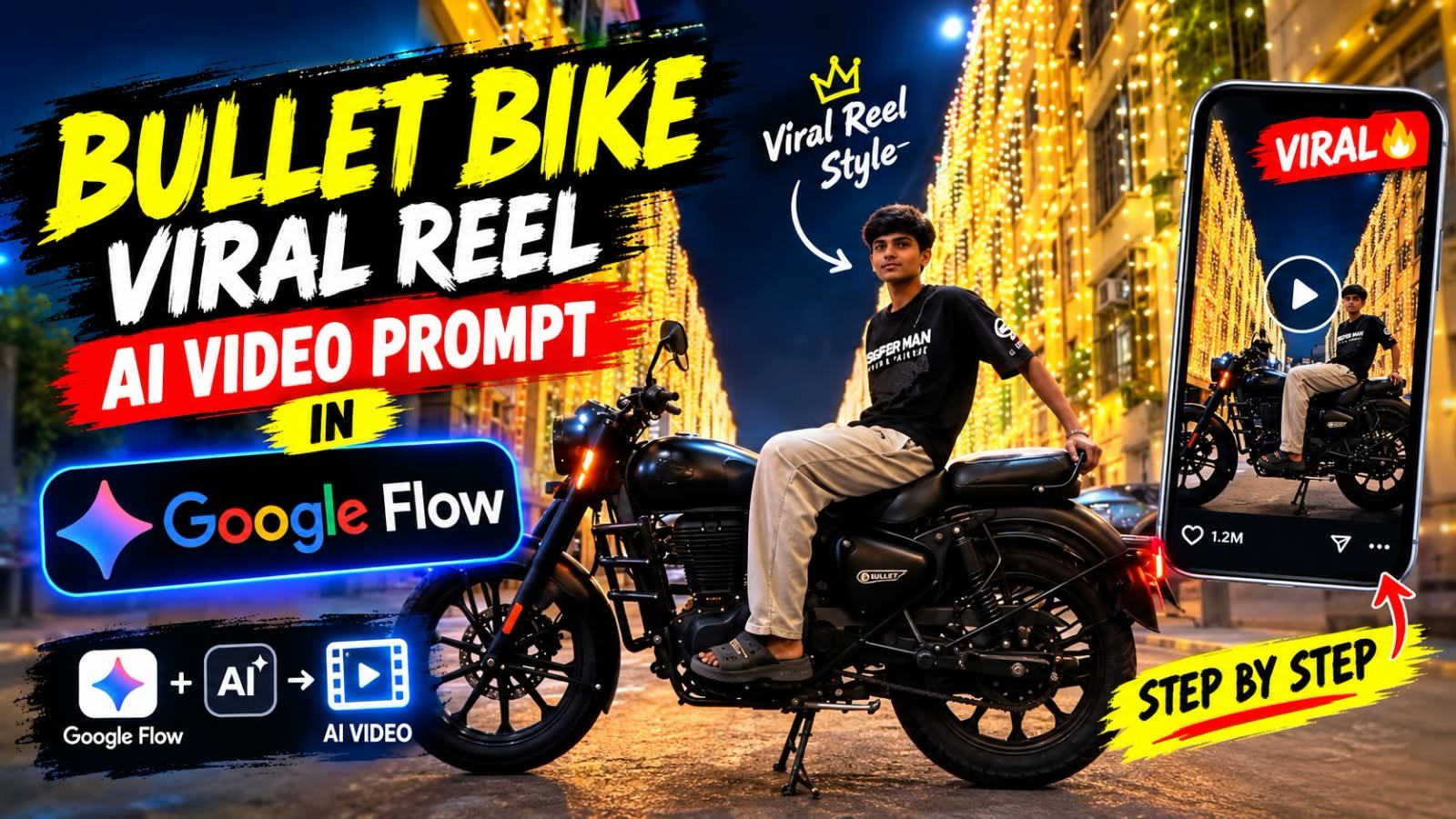
Instagram par ek naya Bullet bike reel bahut zyada trending chal raha hai, jisme ek boy festive lights wali raat ki gali mein Royal Enfield Bullet par baithta hai aur phir bike par relax hokar let jaata hai.
Is video par “I recreated the viral reel” likha hota hai, aur isi wajah se log ise apni photo ke saath recreate karne ki race mein lage hue hain.
Is article mein hum step by step sikhenge ki aap ye Bullet wala video Google Flow par apni photo ke saath sirf ek click mein kaise bana sakte ho.
Bullet Bike Trending Video Kya Hai
Ye ek 8 se 10 second ka cinematic style reel hai.
Video ki shuruaat mein ek ladka black t-shirt mein Bullet bike par side se baitha hota hai.
Peeche golden lights se sajji hui tall buildings dikhti hain, upar aasman mein chaand hota hai.
Thodi der baad ek smooth dark cut aata hai.
Cut ke baad wahi ladka bike ki seat par aaram se let chuka hota hai, jaise raat ka maza le raha ho.
Upar text aata hai “I recreated the viral reel”, aur background mein trending Bullet wala song chalta hai.
Ye poora scene real shoot karna mushkil hai, kyunki raat ki lights, bike aur location teeno chahiye.
Isiliye log ab ise AI se bana rahe hain.
Is Video Ko Banane Ke Liye Kya Chahiye
- Ek clear photo, jisme aapka pura face saaf dikhe
- Google Flow ka access (Google account se login)
- Neeche diya gaya master prompt
- CapCut ya VN, agar aapko song aur text add karna hai
Photo ke liye tip: front-facing, achhi roshni mein li hui photo use karo.
Sunglasses ya cap wali photo mat lena, warna face match kam aayega.
Master Prompt (Copy and Paste)
Ye prompt ek baar paste karna hai, aur baaki kaam Google Flow khud kar dega.
A high-end cinematic real-camera portrait video of a person based on the provided character image, matching the exact body posture, motion, framing, and camera perspective of the reference video. The video is strictly safe, natural, and non-violent.

Scene & Environment:
An outdoor nighttime setting with softly illuminated building facades decorated with warm vertical string lights on both sides. A stationary modern cruiser motorcycle is parked on the street.

Body Motion Tracking & Sequence:
- 0.0 - 2.5 seconds: The person is initially seated gracefully across the body of the motorcycle, holding a relaxed pose with upper body upright, looking outward with a calm and confident expression.
- 2.5 - 5.0 seconds: The person smoothly reclines and lies back along the length of the motorcycle seat in a relaxed, cinematic posture. The head, torso, and hair shift fluidly with natural weight and gravity, resting back comfortably.
- 5.0 - 8.0 seconds: The person maintains a relaxed reclining pose on the motorcycle, with hair cascading down naturally. Subtle, realistic breathing movement in the chest and shoulders, with soft blinking and a serene expression looking toward the camera.

Visual Style & Realism:
Ultra-realistic real-world camera footage, DSLR look, natural nighttime ambient lighting with warm background glows, realistic skin texture and pores (no smoothing or beautification), natural hair flow, accurate human anatomy, and full temporal consistency from frame to frame. Preserve the exact face, identity, and features from the reference image. No 3D render look, no CGI, no AI-plastic appearance.Google Flow Par Bullet Video Banane Ka Step by Step Process
Step 1: Google Flow Open Karo
Browser mein Google Flow open karo aur apne Google account se login karo.
Ab “New Project” par click karo.
Step 2: Apni Photo Upload Karo
Project ke andar “Ingredients to Video” mode select karo.
Ab apni clear photo upload karo.
Isi photo se video mein aapka face aayega.
Step 3: Aspect Ratio Vertical Rakho
Aspect ratio 9:16 select karo, kyunki Instagram Reels aur Shorts isi size mein chalte hain.
Agar landscape rakha, to baad mein crop karna padega aur quality kharab ho jayegi.
Step 4: Master Prompt Paste Karo
Upar diya hua master prompt copy karo aur prompt box mein paste kar do.
Prompt mein kuch bhi change karne ki zarurat nahi hai.
Step 5: Generate Par Click Karo
Ab Generate button dabao aur 1 se 2 minute wait karo.
Video ready hone ke baad preview mein check karo ki face aur bike dono sahi aaye hain.
Agar kuch kam lage to ek baar aur generate kar lo, har baar thoda alag result milta hai.
Step 6: Download Karo
Video pasand aane par Download par click karo aur best quality select karo.
Step 7: Song aur Text Add Karo (Optional)
Video ko CapCut ya VN mein open karo.
Instagram ka trending Bullet song add karo.
Upar “I recreated the viral reel” jaisa text daalo, aur reel ready hai.
Google Flow vs Other AI Tools (Comparison)
| AI Tool | Video Banana | Photo Se Face Match | Is Reel Ke Liye |
|---|---|---|---|
| Google Flow | Haan, cinematic | Bahut achha | Best |
| Google Gemini | Haan, short clips | Achha | Achha |
| ChatGPT | Nahi (sirf image) | Achha | Sirf photo ke liye |
| CapCut | Editing aur effects | Template par depend | Song aur text ke liye |
| VN | Editing | Template par depend | Final editing ke liye |
| Midjourney | Image ke liye best | Medium | Reference image ke liye |
| Leonardo AI | Image aur short motion | Medium | Alternative |
Is trend ke liye Google Flow sabse best hai, kyunki ye video ek hi baar mein bana deta hai.
Baaki tools ka use aap final editing ke liye kar sakte ho.
Pro Tips Better Result Ke Liye
- Photo mein face seedha aur clear rakho
- Photo ka background simple ho to result aur achha aata hai
- Agar bike ka color alag chahiye to prompt mein sirf color ka naam badlo
- Ek hi generation par ruko mat, 2 se 3 try karo aur best wala chuno
- Video ko Reel upload karne se pehle 9:16 mein hi export karo
- Caption mein “Bullet”, “AI video” aur “Google Flow” jaise keywords daalo, reach badhegi
- Trending song hamesha Instagram ke audio library se hi add karo
Bullet Video FAQs
Kya ye Bullet wala video bina real bike ke ban sakta hai?
Haan, bilkul.
AI video mein bike aur location dono Google Flow khud banata hai, aapko sirf apni photo deni hoti hai.
Kya is video mein mera face same aayega?
Agar aapki photo clear hai aur Ingredients mode use kiya hai, to face kaafi had tak match aata hai.
Front-facing photo se sabse achha result milta hai.
Kya Bullet bike ka color change kar sakte hain?
Haan, prompt mein bike ka color badal do, jaise matte black ki jagah silver ya red.
Raat ki festive lights wali gali kaise badlein?
Prompt mein location ka description badal do.
Aap city ki old market ya hill road jaisi koi bhi jagah daal sakte ho.
Kya ye video Instagram Reels par upload kar sakte hain?
Haan, 9:16 size mein download karke seedha Reels par upload kar sakte ho.
Song aap Instagram mein hi add kar lo to reach better milti hai.
Kya ye Google Flow par free mein ban jayega?
Flow par kitne free credits milte hain ye time ke saath badalta rehta hai.
Isliye generate karne se pehle apne account mein credits check kar lo.
Conclusion
To ye tha Bullet bike wale trending video ko Google Flow par apni photo ke saath banane ka poora tareeka.
Master prompt copy karo, photo upload karo, aur ek click mein apna video ready karo.
Agar aapne ye video bana liya, to hamare Instagram par tag zarur karna.
Aise hi har naye trending AI prompts, CapCut templates aur viral reels ke updates sabse pehle paane ke liye hamara Telegram channel join karo.