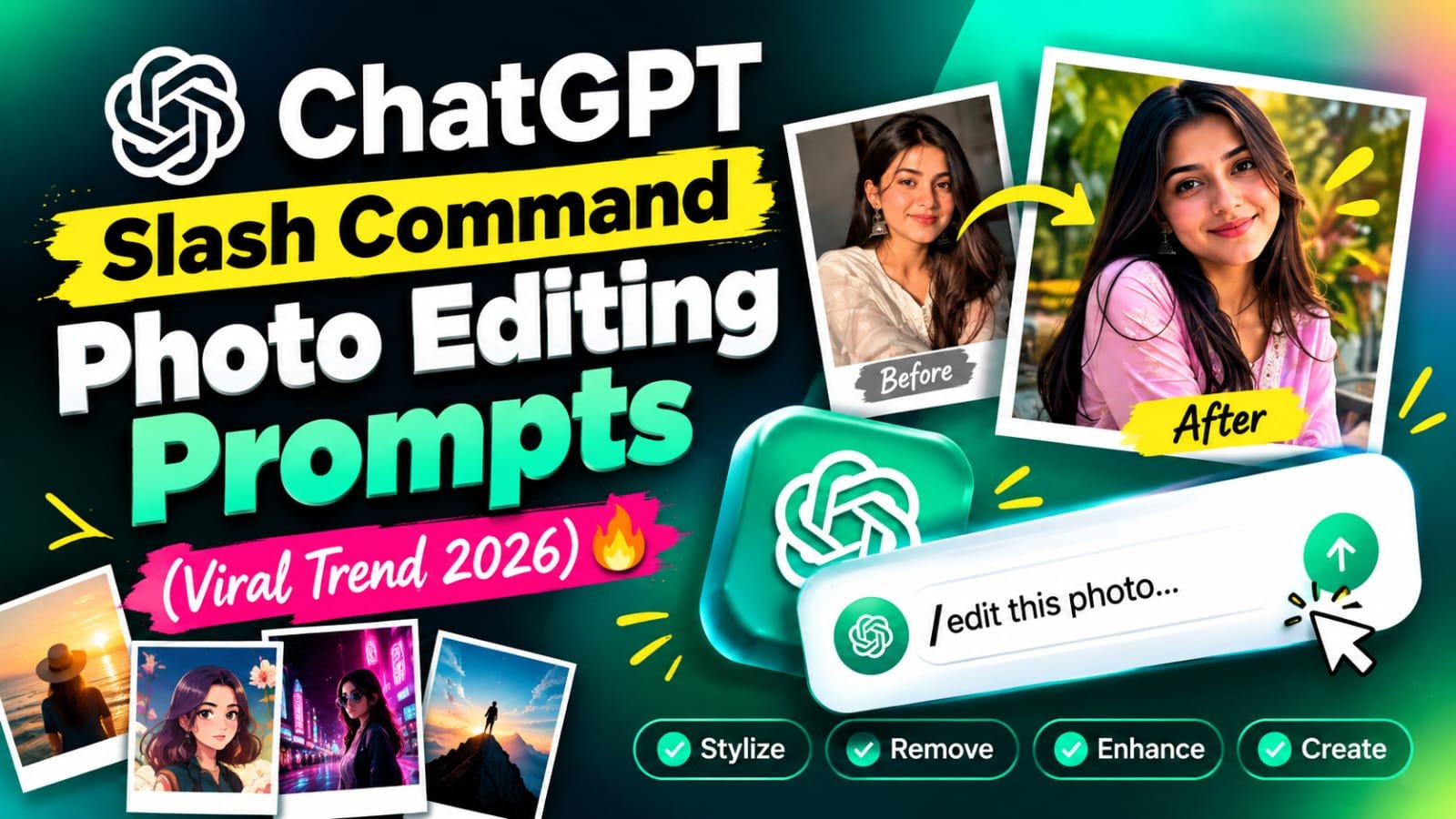
If you have been scrolling Instagram Reels lately, you must have seen creators typing a short code like /MoonlightPortrait or /DiscoReflection in ChatGPT and getting a full cinematic photo edit in seconds. It is called the slash command trick, and it is going viral because you do not paste a long prompt every single time. You teach ChatGPT the style once, and after that one short code does all the work.
In this article, I will show you how this trick works, how to set it up step by step, and the ready-to-use slash command prompts for moonlight, disco and foggy night looks.
Slash Command Photo Editing Prompt Kya Hota Hai?
Simple si baat hai, ye ek shortcut hai.
Normally tum ChatGPT ko photo dete ho aur lamba prompt likhte ho.
Is trick me tum pehle ek baar ChatGPT ko batate ho ki “/MoonlightPortrait” likhne par kya karna hai.
Uske baad bas photo upload karo aur wo code type karo.
ChatGPT poora style apne aap apply kar deta hai.
Isse time bachta hai aur har baar result ek jaisa aata hai.
Ye Trend Viral Kyun Ho Raha Hai?
- Lamba prompt copy-paste karne ki jarurat nahi
- Ek hi code se alag alag photos par same style lagta hai
- Reels me dikhane me bahut cool lagta hai
- Beginners ke liye bhi bahut easy hai
- Face aur outfit same rehta hai, sirf background aur lighting badalti hai
Slash Command Setup Prompt (Pehle Ye Karo)
Sabse pehle ChatGPT ko ye batana hai ki tumhare commands kaise kaam karenge.
Ye step sirf ek baar karna hai, har new chat me.
Is prompt ke baad ChatGPT confirm karega ki wo commands samajh gaya hai.
Ab tum kisi bhi photo ke saath command use kar sakte ho.
Is command se tumhari photo ek dreamy moonlit night scene me badal jaati hai.
Full moon, soft blue tones, flowers aur glowing night background milta hai.
Ye traditional ya soft outfits ke saath bahut sundar lagta hai.
Ye command party aur neon vibe wale edit ke liye hai.
Colorful disco lights, purple aur pink glow, aur shiny reflections aate hain.
Dark outfit aur jewellery wali photos par ye sabse zyada pop karta hai.
Ye ek moody, cinematic edit hai.
Raat ki dhundh, warm street lamps aur wet road ke reflections milte hain.
Winter outfit, scarf ya jacket wali photo ke saath perfect lagta hai.
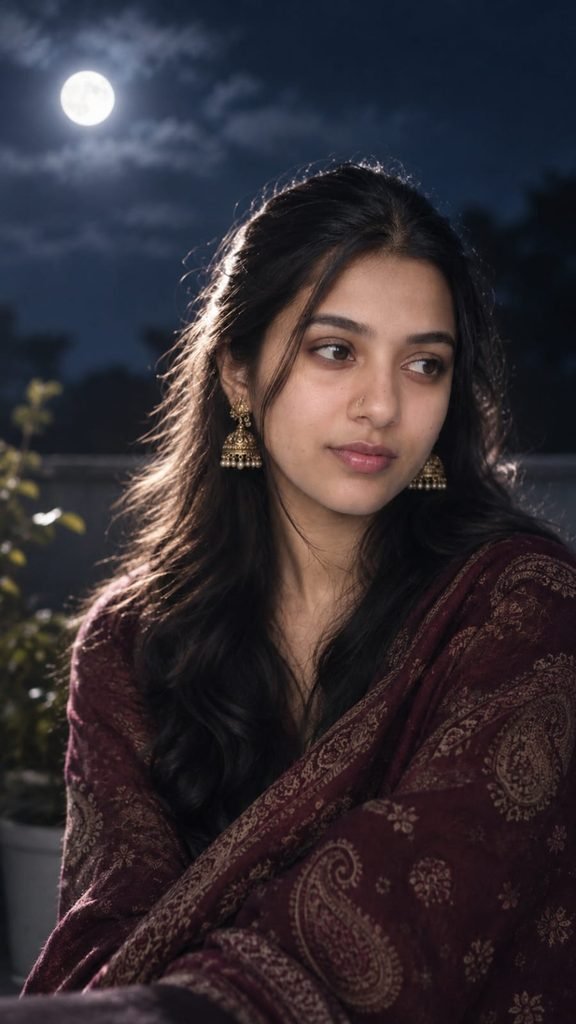
MOONLIGHTPORTRAIT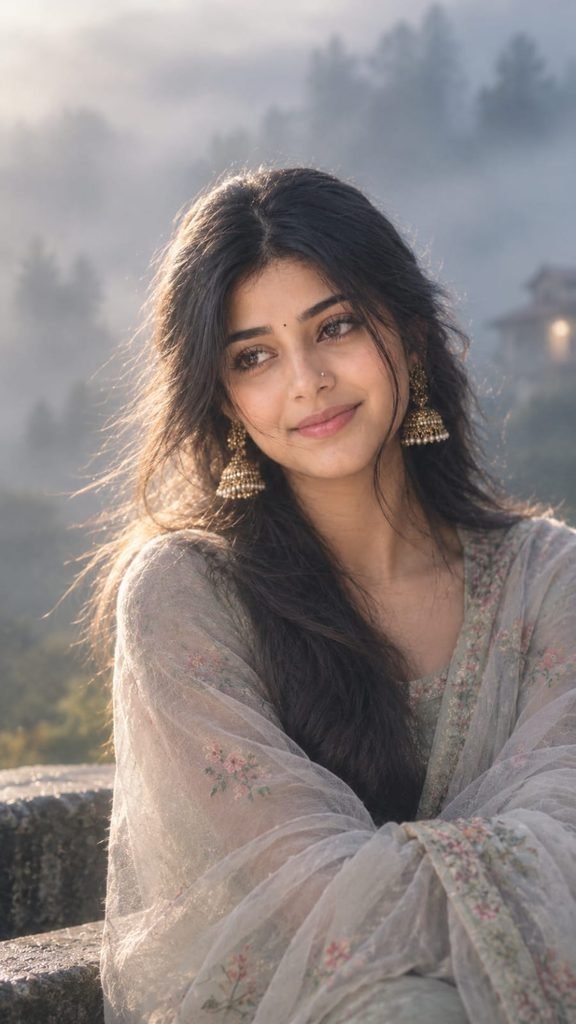
/MISTYAURA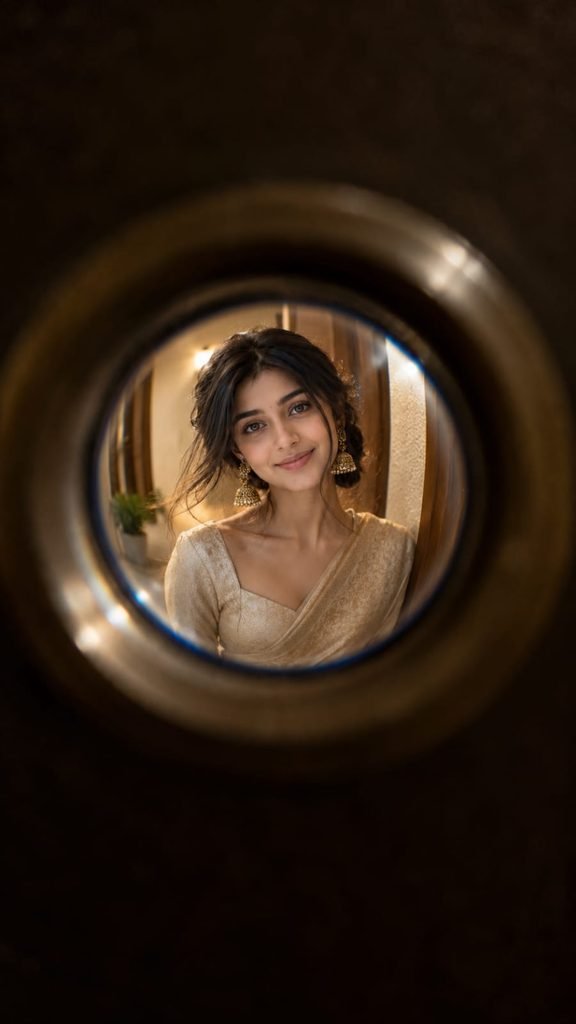
/DOORPEEPHOLE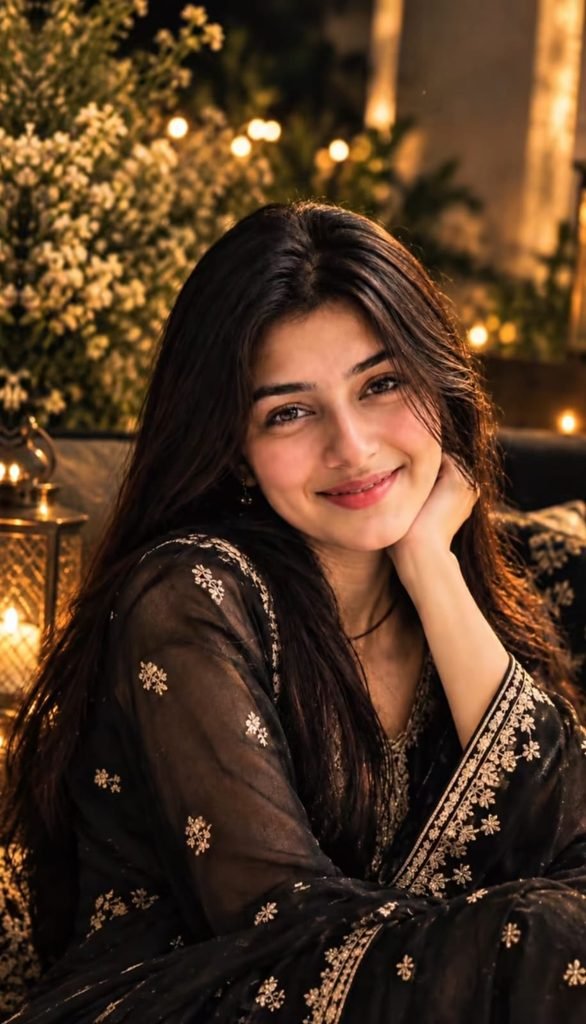
/LUXURYEDITORIAL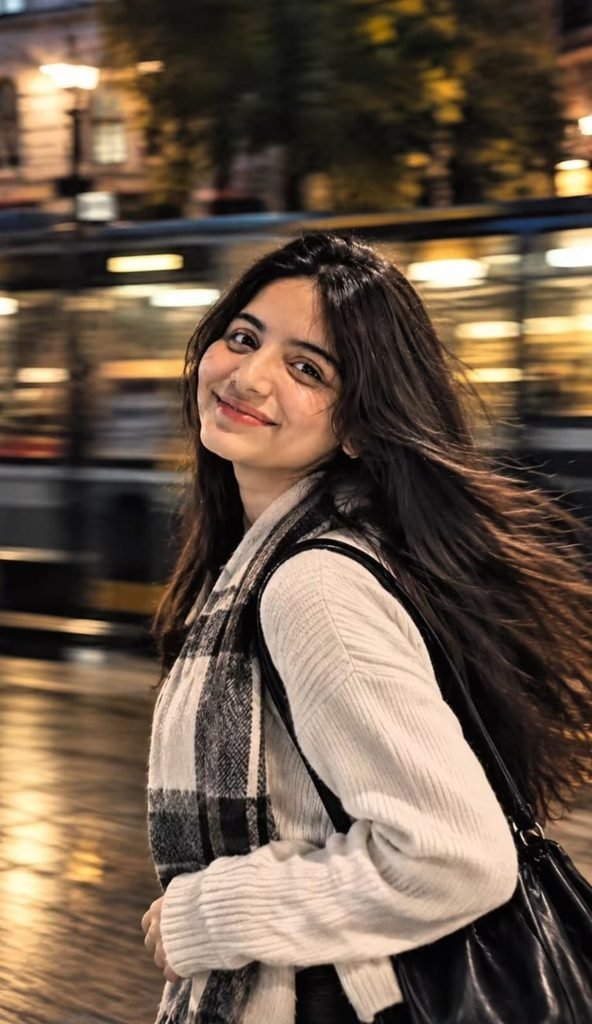
/FREEZFRAME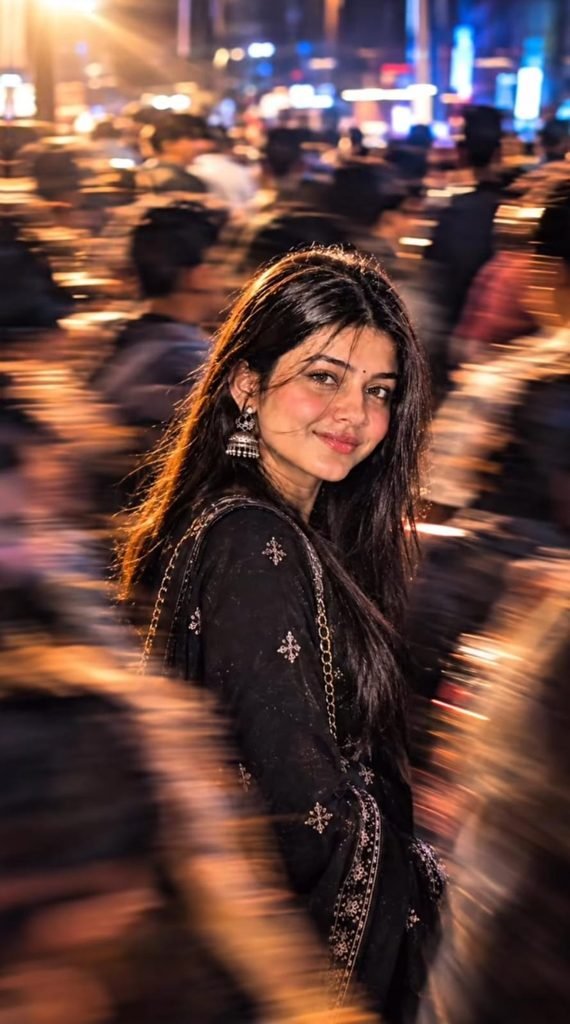
/CROWEDSPOTLIGHT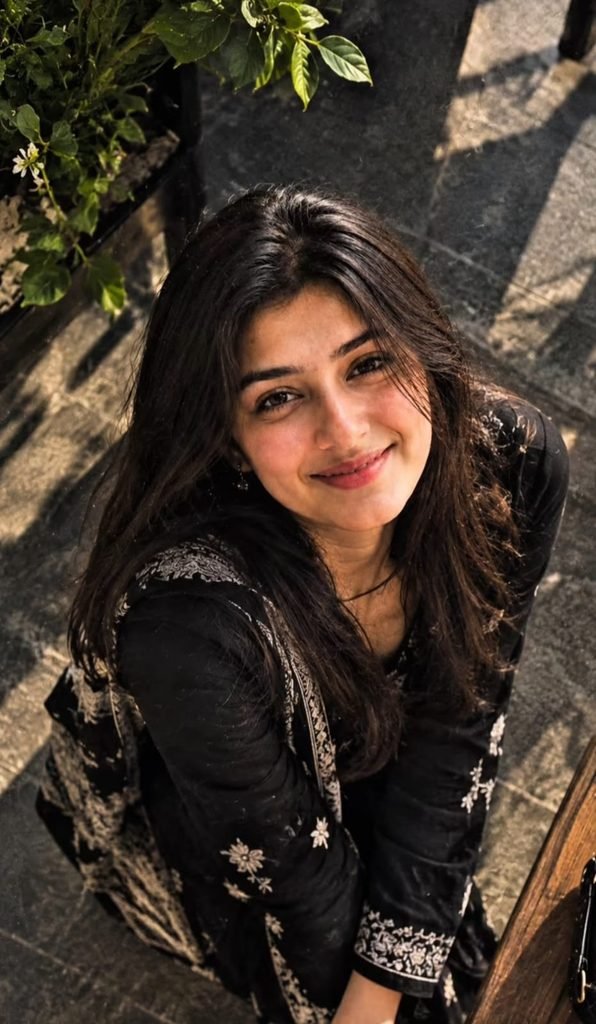
/OVERHEADSHOT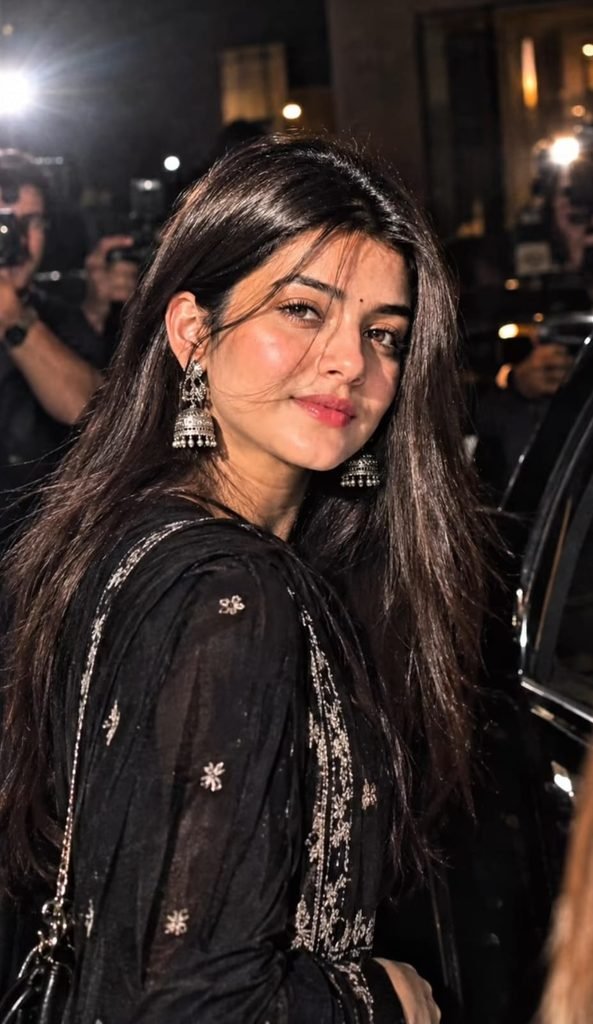
/PAPARAZZIStep-by-Step Guide: ChatGPT Me Slash Command Kaise Use Kare
- ChatGPT open karo aur ek new chat start karo
- Upar wala Setup Prompt paste karo aur send karo
- ChatGPT ka confirmation reply aane do
- Apni clear photo upload karo (face saaf dikhna chahiye)
- Photo ke saath command type karo, jaise /MoonlightPortrait
- Send karo aur 20 se 40 second wait karo
- Result pasand na aaye to wahi command dobara run karo ya “make it more cinematic” likho
- Final image download karo aur Instagram par post karo
Best Photo Kaisi Honi Chahiye?
- Front ya thoda side angle wali photo use karo
- Face par light achhi honi chahiye
- Photo blur ya zyada dark nahi honi chahiye
- Ek hi person wali photo best kaam karti hai
- Waist-up ya half-body photo se sabse accha result aata hai
AI Tools Comparison: Kaun Sa Tool Slash Command Style Ke Liye Best Hai?
| Tool | Slash Command Style | Photo Edit Quality | Ease of Use |
|---|---|---|---|
| ChatGPT | Best (chat me command yaad rakhta hai) | Very High | Very Easy |
| Google Gemini | Good (prompt dobara dena pad sakta hai) | High | Easy |
| Google Flow | Video ke liye better hai | High | Medium |
| CapCut | Command style nahi, template based | Medium | Easy |
| VN | Command style nahi, template based | Medium | Easy |
| Midjourney | Apne slash commands hote hain, alag system | Very High | Hard |
| Leonardo AI | Preset styles milte hain | High | Medium |
Photo editing ke liye ChatGPT is trend me sabse accha chalta hai kyunki wo same chat me tumhare commands yaad rakhta hai.
Photo Se Video Kaise Banaye?
Agar tumhe apni edited photo ko reel jaisa video banana hai to ye try karo.
ChatGPT me photo banao, phir us photo ko Google Flow ya Gemini me daal ke animate karo.
Light movement, hair flow aur camera zoom ke saath bahut accha reel ban jaata hai.
Pro Tips For Best Results
- Har naye chat me setup prompt dobara paste karna padega
- Command ka spelling same rakho, warna ChatGPT confuse ho sakta hai
- Agar face change ho raha ho to prompt me “keep the face 100% same” likho
- Ek baar me ek hi command use karo
- Apne khud ke custom commands bhi bana sakte ho, jaise /GoldenHour ya /RainyWindow
- Result save karne se pehle zoom karke face check kar lo
- Reel banate time pehle aur baad ka comparison dikhao, views zyada aate hain
Common Mistakes Jo Avoid Karni Chahiye
- Setup prompt skip karke seedha command likh dena
- Low quality ya blurry photo upload karna
- Ek saath do commands mix karna
- Bahut zyada edit karwana jisse photo natural nahi lagti
FAQs
Q1. Kya ChatGPT me real slash commands hote hain?
Nahi, ye ek trick hai. Tum pehle prompt se ChatGPT ko command ka matlab sikhate ho, aur uske baad wo us code ko shortcut ki tarah use karta hai.
Q2. Kya slash command ke liye ChatGPT Plus zaroori hai?
Image editing ki limits free aur paid plan me alag ho sakti hain. Free plan me daily limit jaldi khatam ho sakti hai, isliye Plus me result zyada smooth milta hai.
Q3. Command likhne ke baad ChatGPT kuch aur pooch raha hai, kya karu?
Setup prompt me clearly likho ki command milte hi seedha image generate kare aur koi sawal na pooche. Phir bhi pooche to bas “yes, go ahead” bol do.
Q4. Kya main apna khud ka slash command bana sakta hu?
Haan, bilkul. Setup prompt me ek naya command name aur uska style description add kar do, jaise /GoldenHour ke liye sunset lighting.
Q5. Naye chat me command kaam kyun nahi karta?
ChatGPT har naye chat me purane commands yaad nahi rakhta. Isliye har naye chat me setup prompt pehle paste karna zaroori hai.
Q6. Command se face badal jaata hai, kaise theek kare?
Command ke prompt me “keep the face, skin tone and hairstyle exactly the same as the uploaded photo” likho, aur ek clear front-facing photo use karo.
Final Words
Slash command trick se tumhara photo editing ka time bahut kam ho jaata hai.
Ek baar setup karo aur phir kisi bhi photo par ek line me cinematic edit lagao.
Moonlight, disco aur foggy night, teeno styles try karo aur apne Instagram par post karo.
Aisi hi latest viral prompts aur templates ke liye hamare Telegram channel se jud jao, aur Instagram par @meraprompt ko follow karo.