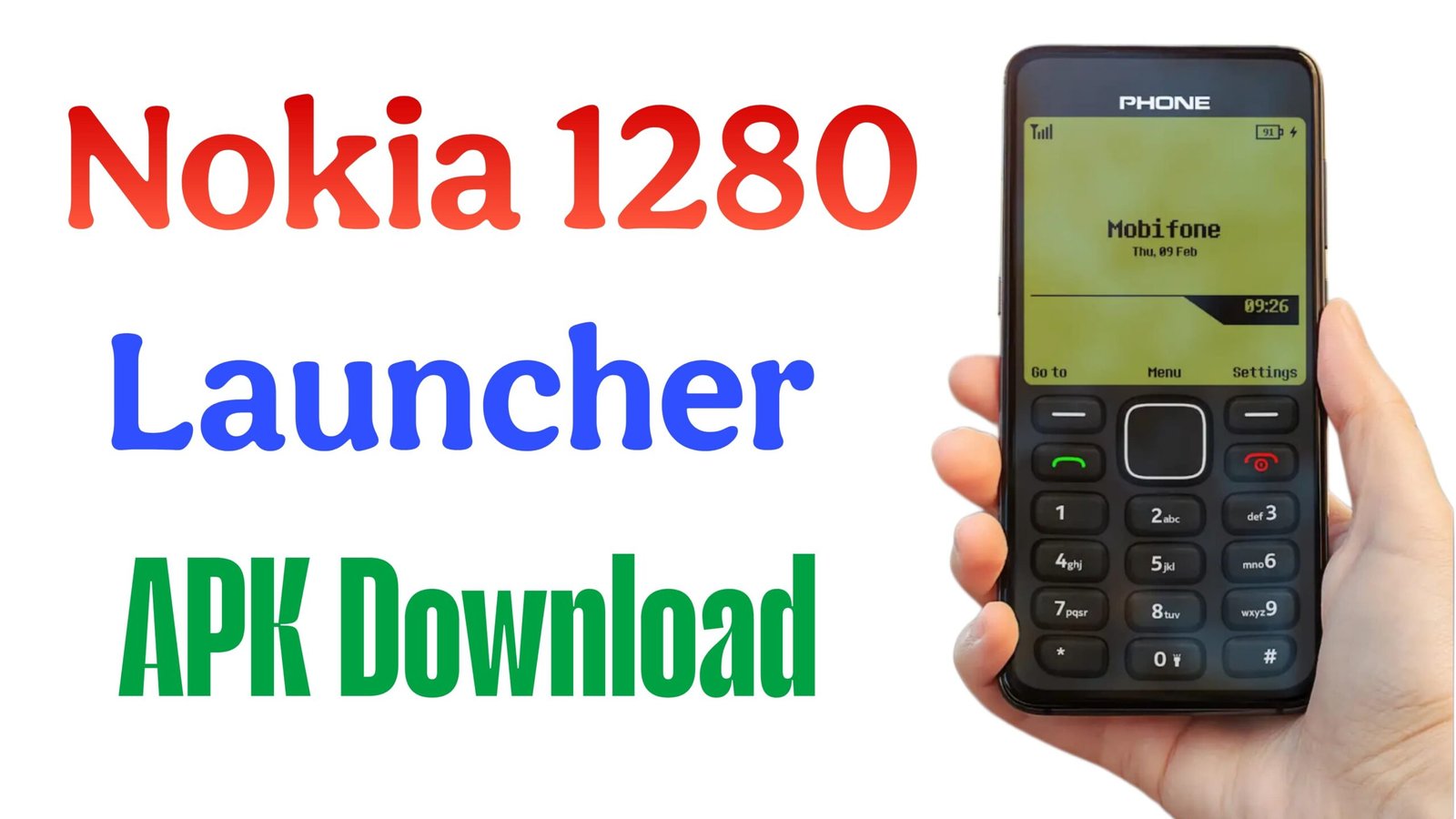
In the fast-paced world of 2026, where foldable screens and AI-integrated operating systems dominate the market, a surprising trend has taken hold: Digital Minimalism. Leading this charge is the Nokia 1280 Launcher, a powerful customization tool that transforms your high-end Android smartphone into the legendary “indestructible” brick phone of the early 2010s.
Whether you’re looking to detox from social media or simply want to relive the nostalgia of the T9 keypad, this article explores everything you need to know about the Nokia 1280 Launcher app.
What is the Nokia 1280 Launcher?
The Nokia 1280 Launcher is a specialized Android application designed to replace your modern home screen with a pixel-perfect recreation of the Nokia 1280 interface. It doesn’t just change your wallpaper; it reconfigures your entire interaction model to match the classic monochrome aesthetic and tactile feel of the original device.
Key Features
- The T9 Keypad: A fully functional on-screen T9 keyboard for dialing and searching contacts.
- Classic UI: The iconic battery bars, signal strength indicators, and low-resolution font.
- Hard-Key Shortcuts: Navigate your phone using the classic “D-pad” layout (Up for Flashlight, Right for Camera, etc.).
- Retro Ringtones: Includes the original “Nokia Tune” and classic beep-beep SMS tones.
- The Snake Game: Most versions come with a built-in emulator for the legendary Snake game.
Why Use a Retro Launcher in 2026?
You might wonder why anyone would turn a $1,000 smartphone into a 15-year-old feature phone. The reasons are more practical than you think:
- Digital Detox: By simplifying the interface, you reduce the “doom-scrolling” urge. Apps are still accessible but aren’t constantly vying for your attention.
- Performance Optimization: These launchers are incredibly lightweight, making older Android devices feel snappy and responsive again.
- Nostalgia & Style: In a world of identical glass slabs, a glowing monochrome Nokia screen is a major conversation starter.
How to Install and Set Up the Nokia 1280 Launcher
Setting up your retro experience is straightforward. Follow these steps to travel back in time:
Step 1: Download the App
Search for “Nokia 1280 Launcher” on the Google Play Store. Look for versions developed by reputable creators like Color Studios or Vk.soft, which are frequently updated for modern Android compatibility.
Step 2: Set as Default
Once installed, your phone will ask which app to use as your Home. Select “Nokia 1280 Launcher” and tap “Always.”
Pro Tip: You can usually revert to your original look by long-pressing the “End Call” button within the app.
Step 3: Grant Permissions
To work correctly, the app will need access to your Phone/Dialer, SMS, and Camera (to trigger the flashlight via hotkeys).
Comparison: Modern UI vs. Nokia 1280 Style
| Feature | Modern Android 16 | Nokia 1280 Launcher |
|---|---|---|
| Navigation | Gestures & Swipes | T9 Keypad & D-Pad |
| Visuals | 4K High-Refresh Rate | Monochrome Pixel Art |
| Focus Level | Low (Constant Pings) | High (Text & Call Centric) |
Is it Safe to Use?
Most Nokia launchers available on official app stores are safe “skin” applications. However, because these apps require permission to manage calls, always check the developer’s privacy policy. Ensure the app is “Data Encrypted” and doesn’t share personal info with third parties.
Conclusion
The Nokia 1280 Launcher is more than just a trip down memory lane; it’s a functional tool for those seeking a simpler mobile experience. It combines the reliability of the past with the processing power of the present.